
Price
SQLines sells one perpetual license covering SQLines Data and SQLines SQL Converter: US$ 495 for one license, with volume discounts, a site license at US$ 9,995, and renewal for new releases and support after the first year (US$ 375 for one license). (sqlines.com/purchase, 23/10/2026)
dbSlice Desktop is US$ 89.99 (launch price; regular US$ 149.99) and the Windows Server edition US$ 199 (launch price; regular US$ 299): perpetual use of the last eligible version, 12 months of updates and support, optional maintenance after year one, 14-day money-back guarantee.
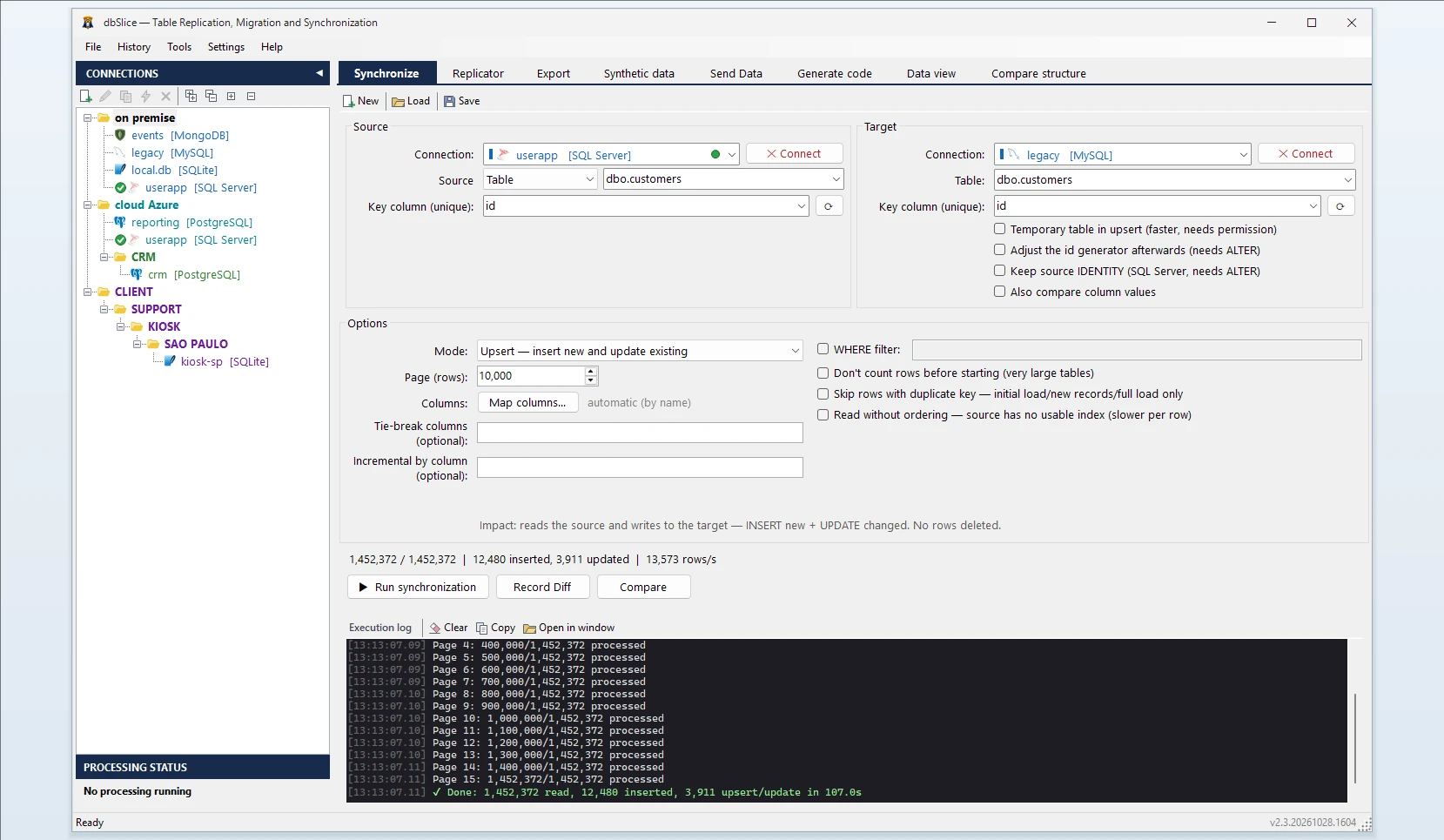
Side by side
| dbSlice | SQLines (as of 23/10/2026) | |
|---|---|---|
| Converts procedures, functions, triggers, views | No | Yes (SQL Converter and SQLines Data) |
| Moves data between live databases | Yes | Yes (SQLines Data) |
| Keeps data in sync after the first copy | Upsert, insert-new, update-only, incremental by a growing column | Check with the vendor |
| Key-by-key diff and on-screen checks before writing | Yes | Data validation tool listed |
| Mask data while copying | Yes | Check with the vendor |
| Send rows to Kafka / REST | Yes | Check with the vendor |
| Interface | Windows app + CLI | Command-line tools with configuration files |
| Engines | SQL Server, PostgreSQL, Oracle, MySQL, MariaDB, Firebird, SQLite, InterSystems Caché/IRIS | Migration paths published for Oracle, SQL Server, MySQL, MariaDB, PostgreSQL, IBM DB2, Informix, Sybase; Firebird, SQLite and InterSystems are not among them |
| Entry price | US$ 89.99 (launch price) | US$ 495 |
| Renewal after year one | Optional maintenance | US$ 375 (new releases and support) |
When SQLines is the better choice
- Your project has a lot of PL/SQL or T-SQL to convert. Code conversion is the hard part of most migrations, and dbSlice does not do it.
- Your source is IBM DB2, Informix or Sybase.
- Your team prefers command-line tools driven by configuration files.
When dbSlice fits better
- The schema and code are handled (by SQLines, ora2pg or by hand) and you need the data moved and kept in sync until cutover, with a GUI the whole team can use.
- You need Firebird, SQLite or InterSystems Caché/IRIS.
- You need masked copies of production for test environments.
- You also send rows to Kafka, RabbitMQ or REST APIs.
- Running in production for more than six years in mission-critical environments, across multiple data centers and on-premises, with SQL Server, PostgreSQL, Aurora and InterSystems Caché/IRIS.
Using both
A common split: convert the schema and code with SQLines, review it, create the target objects, then use dbSlice to load the data, compare counts key by key, and run a nightly sync until the switch.
Also comparing Full Convert? →
SQLines is a trademark of its owner. dbSlice is not affiliated with SQLines. Competitor information comes from its public website on the date shown and may have changed.