
Running in production for more than six years in mission-critical environments, across multiple data centers and on-premises, with SQL Server, PostgreSQL, Aurora and InterSystems Caché/IRIS.
On a plain setup: 31.4 million rows into Azure SQL in about 30 minutes (≈17,200 rows/s). Initial-load mode, SQLite source on a local disk, dbSlice desktop app, September 2026 — before our September and October optimizations.
Throughput depends on volume, network, engines, row width, tuning and transformations. Your numbers will differ — try it on your own data with the free version.
Where the speed comes from
- Keyset paging. dbSlice reads the source page by page, by key, with no long-running cursor and no table lock — so it can run against a live system.
- Read and write overlap. Reading the next page and writing the last one happen at the same time; the slower side sets the pace.
- Native bulk paths. Where the engine has one, dbSlice uses it — for example, SqlBulkCopy on SQL Server.
Keeping PostgreSQL copies current
With the temporary-table upsert option on, upsert and "new rows only" into PostgreSQL got 66 to 118 times faster in dbSlice 2.3.20261016: 10,000 rows went from 425 to about 28,000 rows/s, and restoring 1 million missing rows went from 21 minutes to 10.6 seconds.
Measured in our lab: SQL Server 2022 → PostgreSQL 17 on the same host, no other load, single run per case. The option is off by default and needs permission to create a temporary table on the target. Initial load, full reload and "update only" did not change.
Same engine everywhere
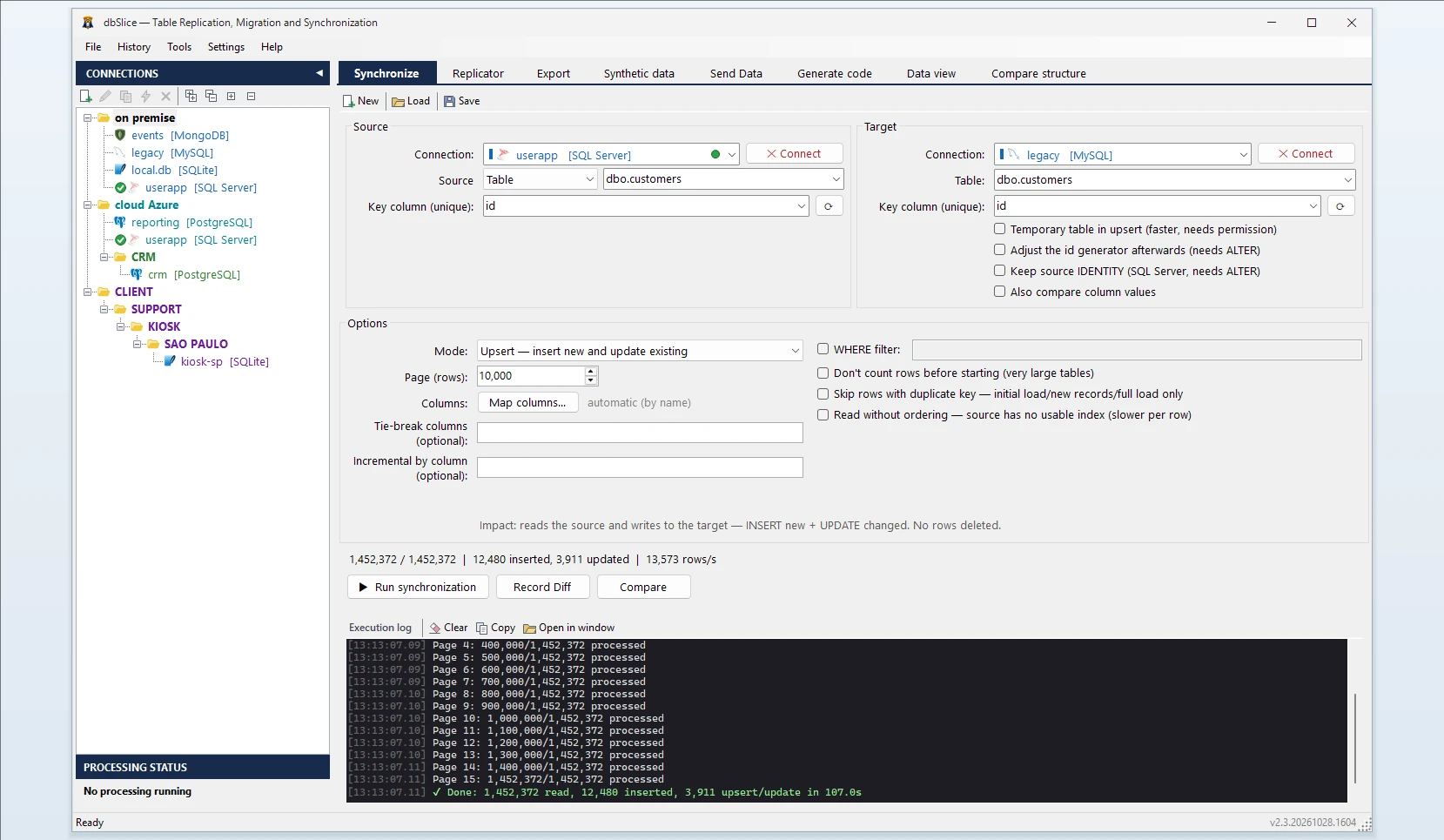
The Synchronize tab, the Replicator and command-line jobs run on the same engine, so a run you time in the app behaves the same way when it runs at night on a schedule.
Measure it yourself
Run the same job on your own tables. Free version on the Microsoft Store · Pricing
Read more on the blog: 12.96 billion rows in 41 hours, and the conditions behind it · How to read a database sync speed number