A speed number without its conditions is not much use when you are planning a load window. This 85-second video gives our largest measured run and, right after it, the conditions and a second number from a plain setup.
The numbers
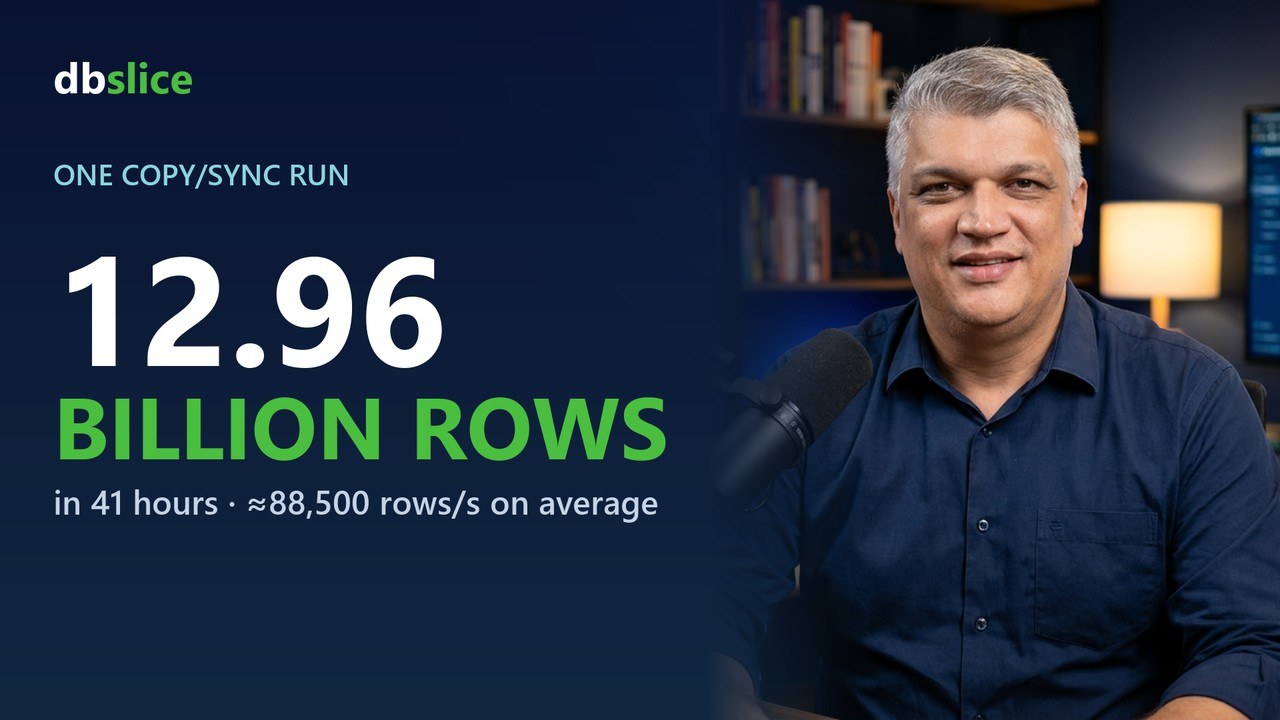
- 12.96 billion rows in 1 day, 16 hours and 40 minutes, about 88,500 rows per second on average. The
source was a live production table of purchase orders from a company with 20 years of history: 40 columns and 9 indexes, three of them on date columns and three on text columns. The rows were migrated into the database of a new microservice that integrates with Salesforce. dbSlice moved the data database to database; the Salesforce integration is the microservice's job. The network and both databases were tuned for the load.
- On a plain setup: 31.4 million rows into Azure SQL in about 30 minutes (≈17,200 rows/s). Initial-load
mode, SQLite source on a local disk, dbSlice desktop app, September 2026, before our September and October optimizations.
Throughput depends on volume, network, engines, row width, tuning and transformations. Your numbers will differ.
Who it is for
- DBAs and SREs sizing a nightly window or a cut-over weekend.
- Teams migrating large tables who need to know whether a copy finishes before the business day starts.
What the video explains
- Keyset paging. dbSlice reads the source page by page, by key, instead of holding one long cursor.
- Read and write overlap. The next page is read while the last one is written, so the slower side sets
the pace.
- Native bulk paths. Where the engine has one, dbSlice uses it, for example SqlBulkCopy on SQL Server.
- Keeping PostgreSQL copies current. With the temporary-table upsert option on, upsert and "new rows only"
into PostgreSQL got 66 to 118 times faster in our lab: restoring 1 million missing rows went from 21 minutes to 10.6 seconds. Lab: SQL Server 2022 → PostgreSQL 17 on the same host, no other load, one run per case. The option is off by default and needs permission to create a temporary table on the target.
- Same engine everywhere. The Synchronize tab, the Replicator and command-line jobs share the engine, so
a run you time in the app behaves the same way on a schedule.
Read more
All numbers and their conditions are on how fast is dbSlice. For how to compare speed claims, read how to read a sync speed number. Test it on your own data with the free version on the Microsoft Store.