Most teams that move data between databases end up with a toolbox: one product per engine, a script for the nightly copy, another for comparing the two sides, and something else to push changes to an API or a queue. This three-minute video shows how dbSlice puts those jobs in one Windows app and one Linux edition, under one license.
Who it is for
- DBAs and SREs who keep a copy of production up to date and need a job they can schedule, log and rerun.
- Teams replacing a system that must run old and new databases side by side for months.
- Product owners who need data moved without a developer writing a one-off script.
What the video shows
The tour runs on real screens:
- Migrate, replicate, compare and sync across the leading databases: SQL Server, PostgreSQL, Oracle,
MySQL, MariaDB, Firebird, SQLite and InterSystems Caché/IRIS, with MongoDB, Cassandra, Elasticsearch, Couchbase and Redis as NoSQL targets.
- Synchronize, with five modes, from a full copy to only the rows that changed.
- The Replicator, which copies a whole set of tables in foreign-key order.
- Compare and Record Diff, to check both sides key by key.
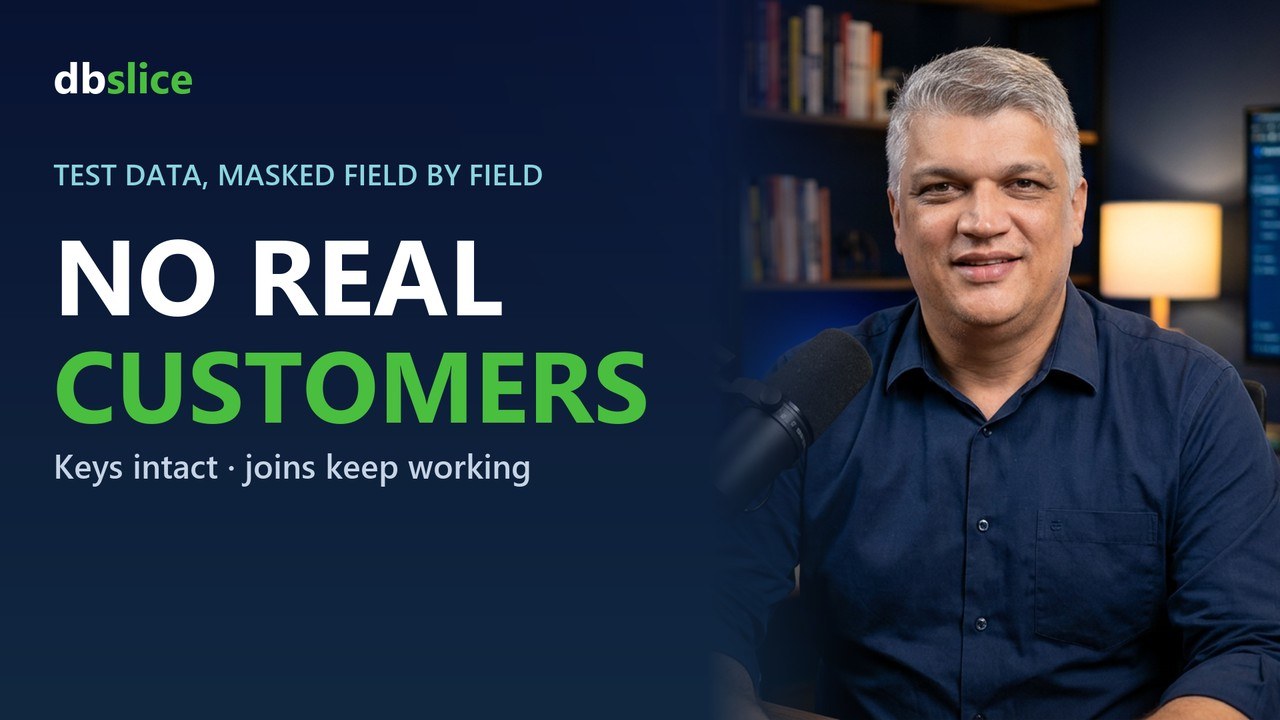
- Selective masking, so a test copy does not carry real customer data.
- Export, Send Data and command-line jobs: files, REST APIs, message brokers, and jobs you can run from
Task Scheduler or cron.
- The Linux Server Edition, which runs in a Docker container on your own servers, with several users and
sessions in parallel.
Why one tool matters
When migration, sync and comparison live in different products, each one has its own connection settings, its own logs and its own idea of what a "key" is. In dbSlice, the Synchronize tab, the Replicator and the command-line jobs share the same engine. A run you test in the app behaves the same way when it runs at night on a schedule.
Try it
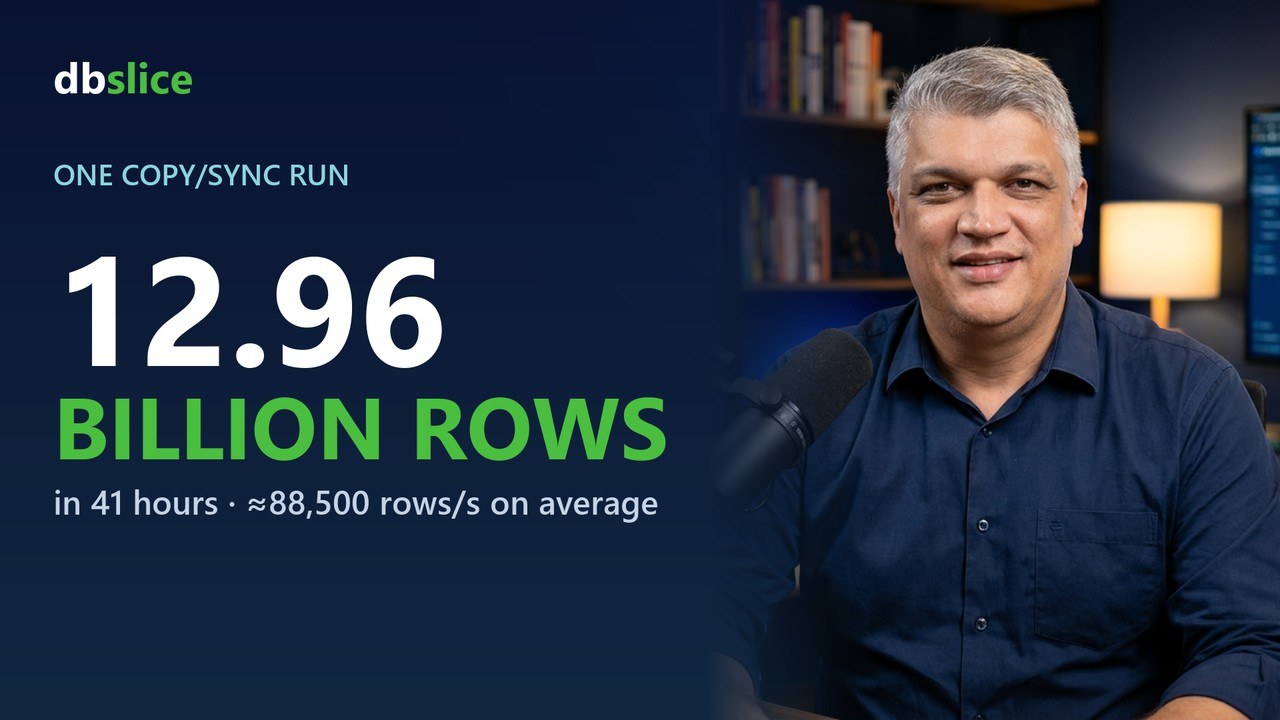
The free version is on the Microsoft Store. To see how a long-running coexistence project works in practice, read data coexistence. For speed, with the conditions behind each number, see how fast is dbSlice.