"Millions of rows per minute" appears on many product pages, including ours. Before you plan a cut-over weekend around a number like that, it is worth asking what was actually measured. These five questions apply to any tool, and they are the same ones we answer on our own performance page.
1. Which mode?
An initial load into an empty table is the easiest case: no lookups, no conflicts, just bulk inserts. An upsert has to find each key on the target and decide between insert and update. "New rows only" and incremental modes depend on how fast the target can tell what is missing. A number from one mode says little about another. In our lab, the same PostgreSQL target was 66 to 118 times faster at upsert and "new rows only" with one option turned on, while the initial load did not change at all.
2. Which engines, and where?
SQL Server to SQL Server on the same host is not the same job as SQLite on a laptop to Azure SQL in another region. Ask for the source, the target and where each one ran.
3. What about the network?
Over a WAN link, the network is often the slowest side. A tool that reads and writes at the same time, as dbSlice does, moves at the pace of whichever side is slower, so the same job can be fast on one link and slow on another.
4. How wide are the rows?
A table of three integer columns and a table with long text and binary columns can differ by an order of magnitude in rows per second while moving similar bytes. If the benchmark does not say, assume narrow rows.
5. Was anything tuned?
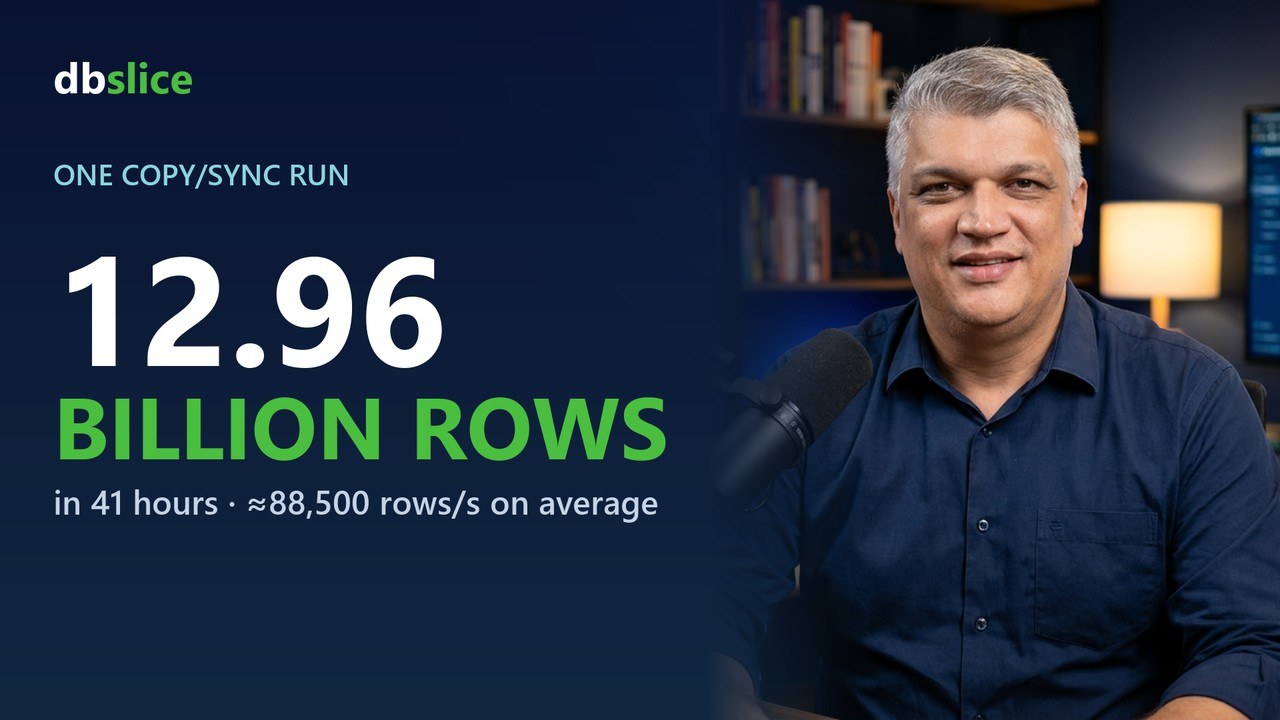
Indexes dropped during the load, a bigger log, a dedicated network: all legitimate, and all worth knowing. Our largest run, 12.96 billion rows in about 41 hours (≈88,500 rows/s on average), came from a live production table of purchase orders with 20 years of history, 40 columns and 9 indexes, migrated into the database of a new microservice that integrates with Salesforce; the network and both databases were tuned for the load. Next to it we publish a plain-setup number: 31.4 million rows into Azure SQL in about 30 minutes (≈17,200 rows/s), initial-load mode, SQLite source on a local disk.
The only number that counts
Is the one from your own tables, on your own network. Run the job you plan to run, in the mode you plan to use, and time it. The free version of dbSlice is on the Microsoft Store; the numbers and conditions we measured are on how fast is dbSlice, and the video walkthrough is in 12.96 billion rows in 41 hours.
Related: MySQL to PostgreSQL migration · SQL Server to MySQL migration