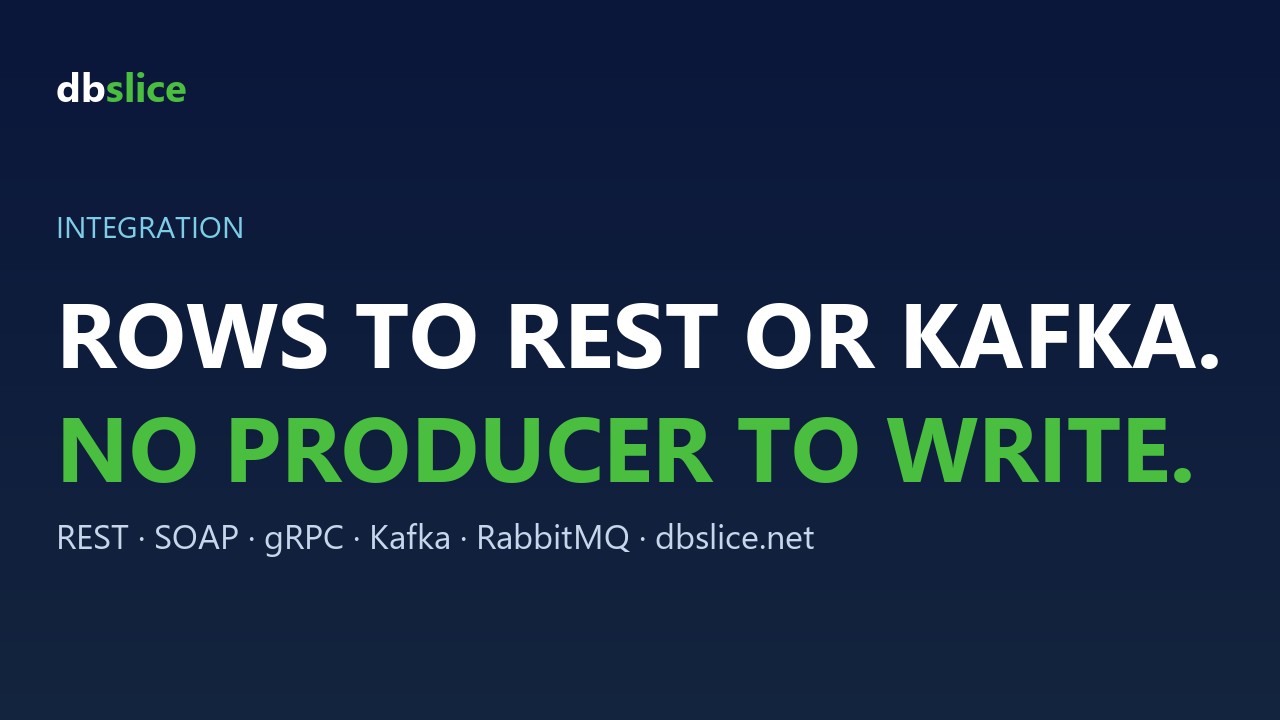
Every integration project has the same small, annoying task: take these rows from a database and push them to that API (or that topic). Usually someone writes a one-off script, and it lives forever.
dbSlice Send Data turns that script into a screen and a job.
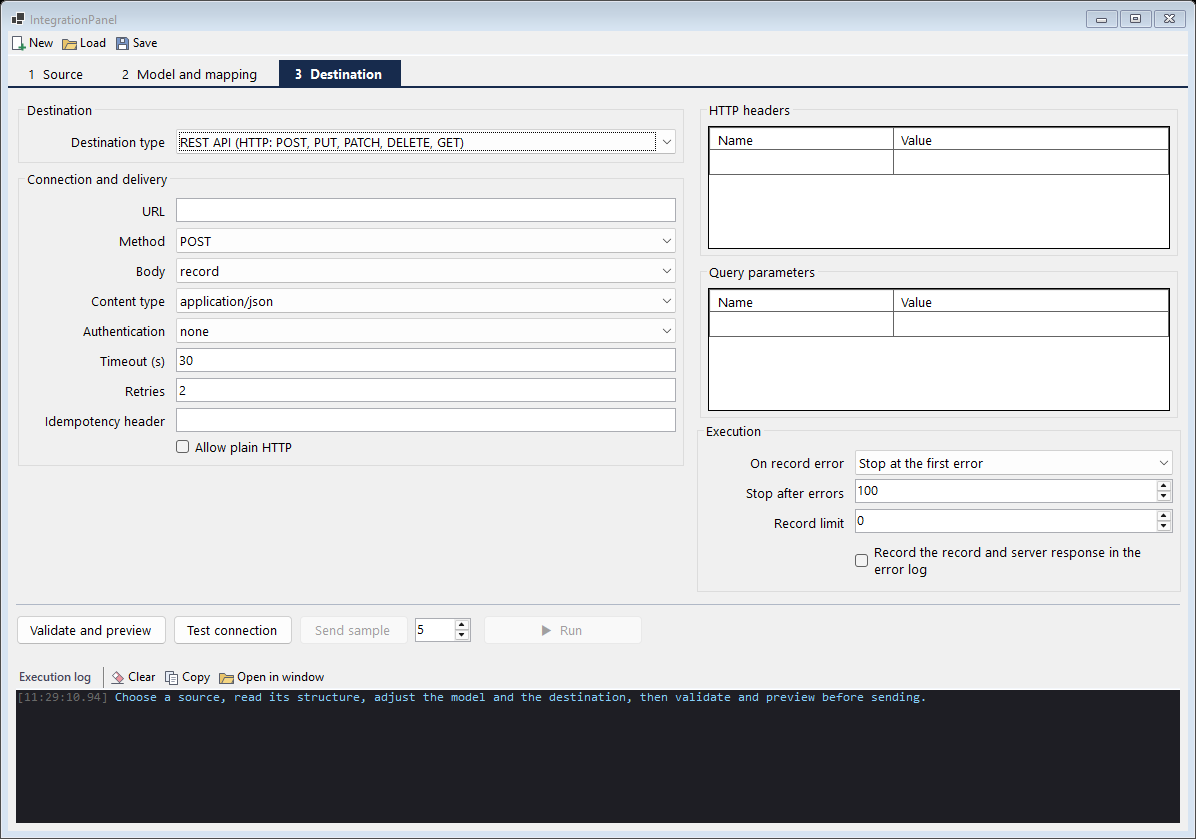
Sources and destinations
| From | To |
|---|---|
A database table or SELECT | REST (POST, PUT, PATCH, DELETE) |
| A JSON file | SOAP (reads the WSDL and fills the operation) |
| A CSV file | gRPC (unary call; reads the .proto) |
| Stored procedure or function on a saved connection | |
| Kafka, Redpanda, Pulsar, RabbitMQ |
Message brokers and APIs are destinations: Send Data publishes to them; it doesn't consume queues.
Map, transform, preview
- Map fields from the source to the payload model.
- Transformations per field (formats, defaults, conversions), with a step list and an instant test on a sample
value.
- Preview the payload before anything is sent.
Run it every night
A saved Send Data definition runs as a job from the command line (job type send), with log, report, e-mail and webhook like any other dbSlice job. Combine it with a key-by-key compare and you can re-send only the records that drifted after an outage.
When to use it
- Seeding a new microservice with the records it needs.
- Pushing reference data (prices, products, branches) to an API on a schedule.
- Replaying a list of keys to a topic after a consumer bug.
It is a batch tool, not a streaming platform: it sends what you select, when the job runs.