
How it works
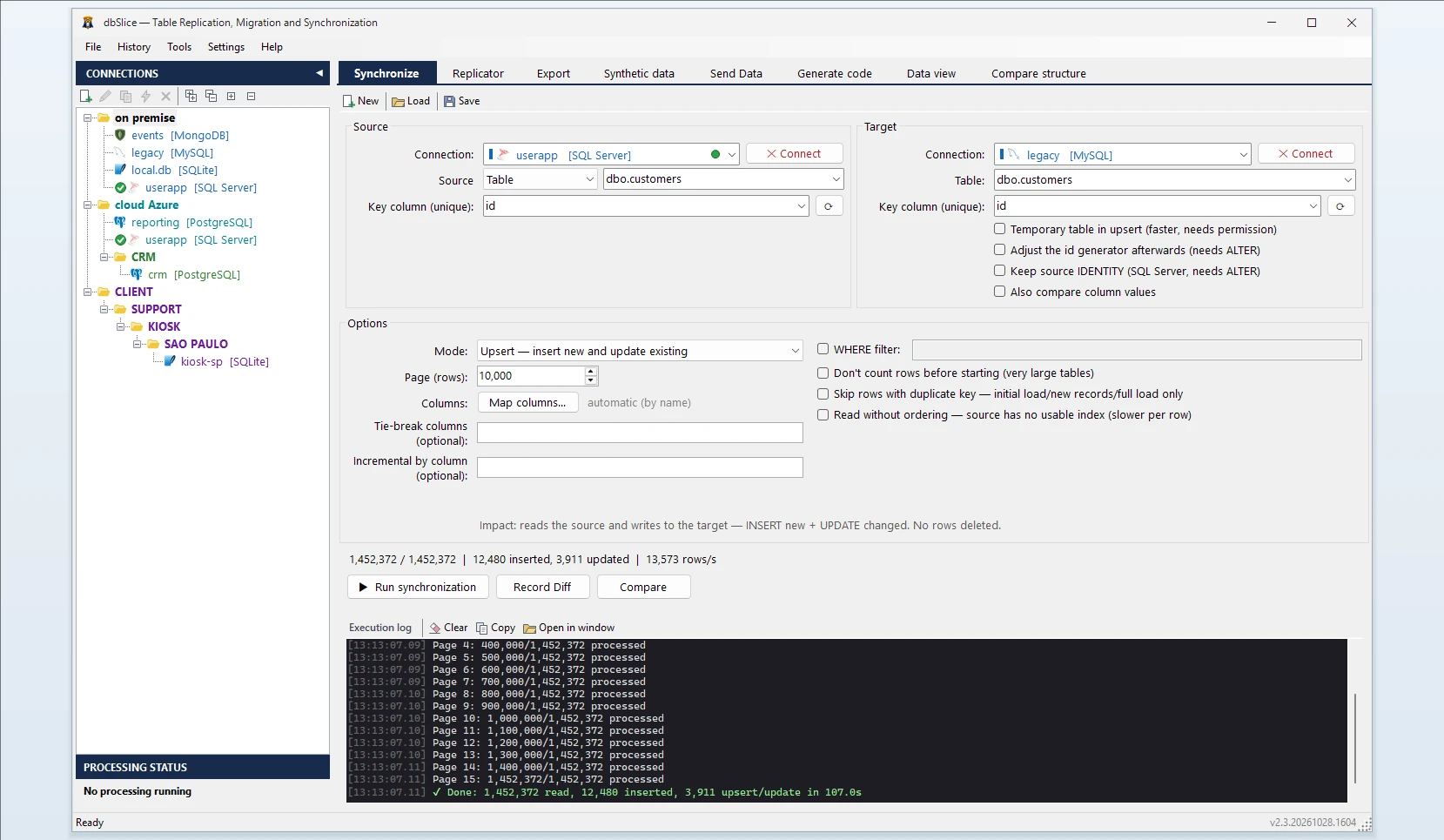
- Sync a table as usual: source, target, key and column mapping.
- dbSlice writes one row at a time, and the database confirms it.
- Your API or queue receives a message with the table, the key, whether it was an insert or an update, an event id and the time — and, if you want, the values written.
Choose what to announce
Insert, update or both. A row whose operation you didn't select is neither written nor announced: "insert only" never touches existing rows, and "update only" never creates missing ones.
Shape the message and protect what's sensitive
Use the default message or build your own JSON template from columns and variables, with the same transforms and masks as dbSlice's data obfuscation. Columns that look sensitive — e-mails, passwords, card numbers, phone numbers and Brazilian CPF/CNPJ — are flagged and get a suggested mask in one click; any other column can take a mask by hand. Preview the message for a real row before anything runs.
Where it sends
The same destinations as Send Data: REST (with OAuth2 and an idempotency header), SOAP, gRPC, a stored procedure, Kafka, Redpanda, Pulsar or RabbitMQ. Test the connection before you run. Credentials are stored protected, never in plain text in the job file.
When something fails
- If your API rejects a message, or doesn't answer within the time limit you set, the job stops at that row and tells you which one.
- That row was written but not announced. On resume, dbSlice announces it first, with the same event id, so a target that checks event ids can discard the repeat.
- A database error on a row stops the job before any call is made.
- Failures are logged with the key, the operation and the reason — not the rest of the row.
Run it like everything else
In the Windows app, from the command line, from the Windows scheduler, or in the Linux edition through its scheduler and REST API. Show sample message previews the payload without sending anything.
Before you use it
- One call per row. It is much slower than the batch sync modes, and the time is set by your API's response time. Use it for tables where each change matters to another system, not for bulk loads.
- Not real time and not change data capture. It announces what this job writes, at the interval you schedule.
- In order, one at a time. Calls are not made in parallel, so events arrive in order.
- One table per job. The Replicator (many tables in one run) doesn't offer Postback yet.