
Price
AWS DMS is billed per hour of replication capacity (on-demand instances or serverless capacity units), with Database Savings Plans for 1-year commitments. Data transfer into DMS is free; standard AWS data transfer rates apply to targets in another Availability Zone, Region or outside AWS. (aws.amazon.com/dms/pricing, 30/10/2026)
dbSlice Desktop is US$ 89.99 (launch price; regular US$ 149.99) and the Windows Server edition US$ 199 (launch price; regular US$ 299), perpetual, with optional maintenance after year one.
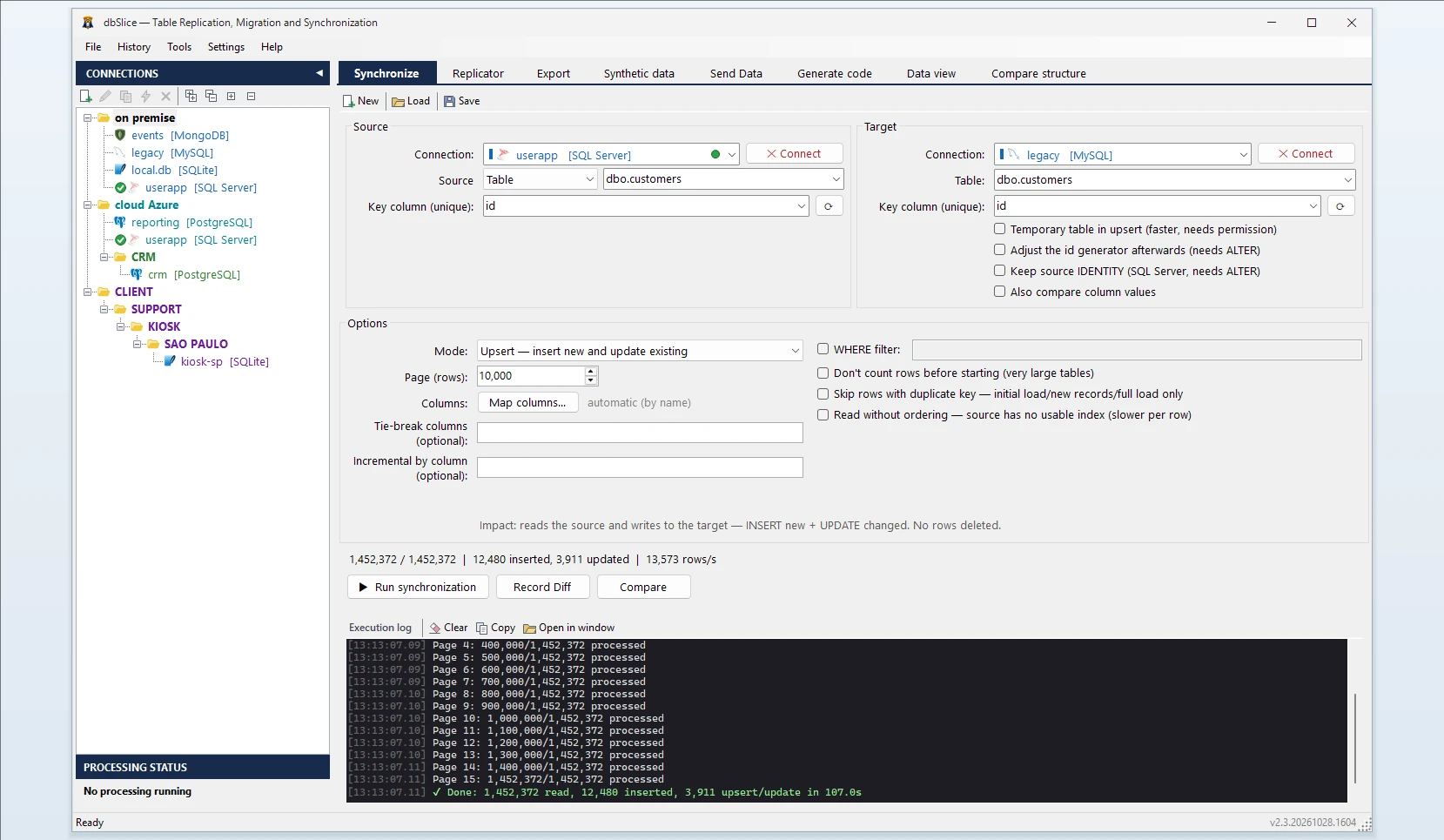
Side by side
| dbSlice | AWS DMS (as of 30/10/2026) | |
|---|---|---|
| Where it runs | Your Windows machine or server | A replication server in the AWS Cloud |
| Needs an AWS account | No | Yes |
| Ongoing changes | Batch jobs: upsert, insert-new, incremental by a growing column | Continuous replication of changes |
| Schema conversion | Suggests a CREATE TABLE for your DBA | DMS Schema Conversion or AWS SCT (separate) |
| Mask data while copying | Yes | Check with the vendor |
| Pricing | Perpetual license | Pay per hour of capacity |
| Best for | On-premises and multi-cloud copies, staging refreshes, long cutovers | Migrations into AWS, continuous replication |
When AWS DMS is the better choice
- The target is in AWS (RDS, Aurora, Redshift, S3) and you want AWS to run the infrastructure.
- You need continuous change replication with low lag.
- You also want AWS's schema conversion and inventory tools in the same place.
When dbSlice fits better
- Source and target are on-premises, in another cloud, or the data should not pass through a cloud service.
- You want nightly or hourly syncs with a key-by-key check before writing, from a GUI the team can use.
- You need masked copies of production for test and staging.
- You prefer a one-time license to an hourly bill.
- Running in production for more than six years in mission-critical environments, across multiple data centers and on-premises, with SQL Server, PostgreSQL, Aurora and InterSystems Caché/IRIS.
Using both
When moving to AWS, you can run DMS for the production cutover and dbSlice for the side jobs: masked staging copies, a PostgreSQL report database on-premises, or comparing source and target before the switch.
FAQ
Does dbSlice do CDC?
No. It runs batch jobs; incremental runs read rows above the last value of a column that only grows.
Can dbSlice load into Amazon RDS or Aurora?
Yes. Aurora is part of dbSlice's daily production use; RDS and Aurora (SQL Server, PostgreSQL, MySQL, Oracle) connect like any other server, as long as the Windows machine can reach the endpoint (network and security group).
Is there a free version?
Yes, on the Microsoft Store; writing to a target needs a Desktop or Server license.
Sync SQL Server to PostgreSQL →
AWS and AWS Database Migration Service are trademarks of Amazon. dbSlice is not affiliated with Amazon. Competitor information comes from its public website on the date shown and may have changed.