
Data, not code
dbSlice moves data: tables, rows, keys and types. It does not convert stored procedures, triggers or PSQL code to PL/pgSQL; plan that part separately. Most Firebird projects have business logic in triggers and procedures, and no tool converts all of it automatically.
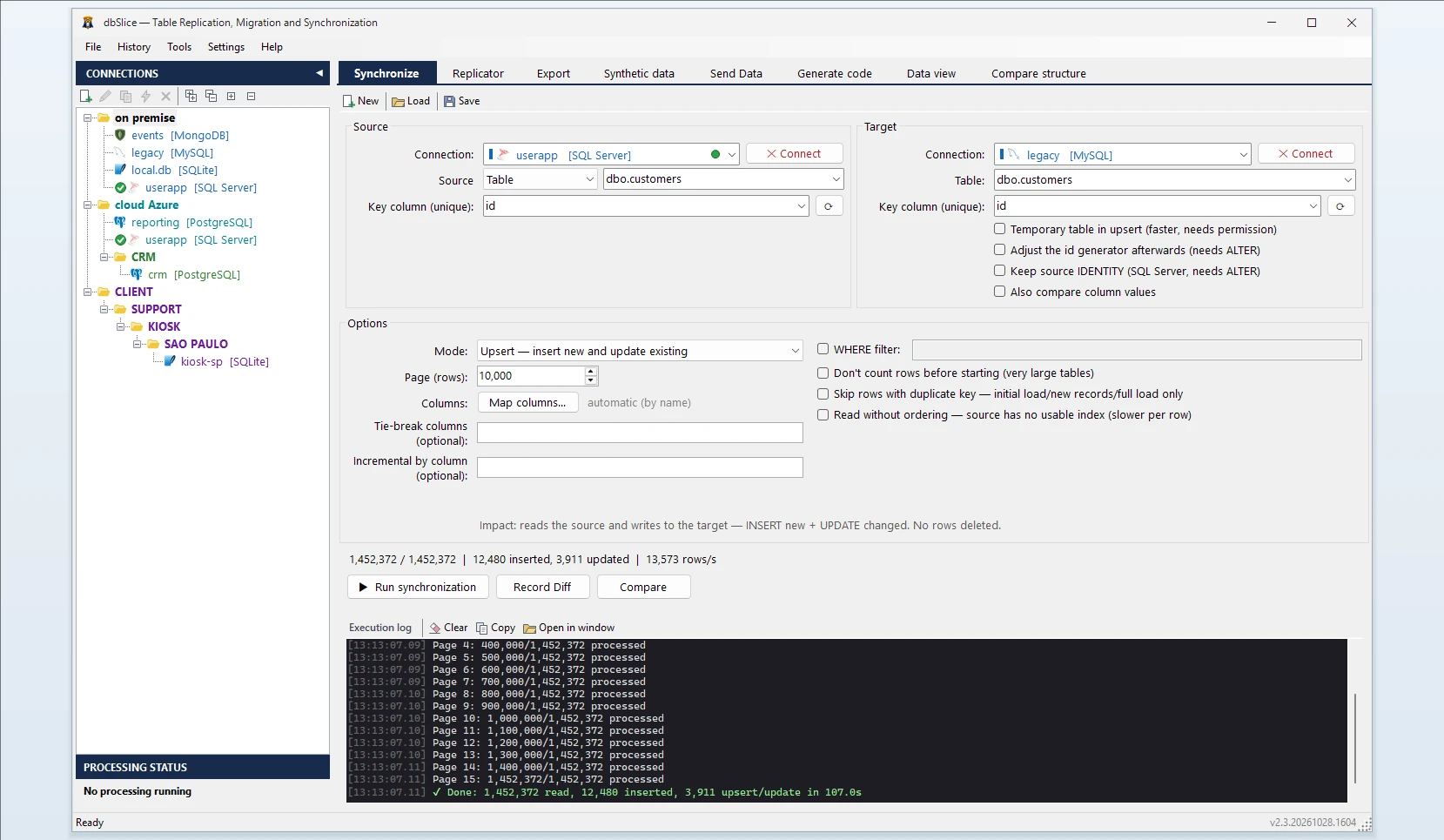
What dbSlice does
- Connects to your Firebird server with the database path or alias, as your application does.
- Reads in small batches, so the production database keeps serving its users.
- Writes to PostgreSQL in bulk for initial and full loads.
- Shows the target DDL. If the PostgreSQL table does not exist, dbSlice stops before writing and shows a
CREATE TABLEtranslated from Firebird for your DBA to review and run. It does not create objects in your databases by itself. - Keeps ids safe. After rows are copied with their original ids, the PostgreSQL sequence can be behind the highest id. dbSlice warns and shows the command to move it forward.
- Masks on the way when the copy is for development or testing.
Three Firebird details to plan for
1. Upper-case names. Firebird stores table and column names in upper case (CUSTOMERS, CUST_NAME). If you keep them in quotes in PostgreSQL, every query has to quote them forever. Most teams rename to lower case in the CREATE TABLE before running it. dbSlice matches columns by name without case, so CUST_NAME in Firebird fills cust_name in PostgreSQL with no manual mapping.
2. Character set. dbSlice connects with UTF-8. Older databases created with charset NONE or WIN1252 can stop with a "cannot transliterate" error on accented characters. Set the database's real charset in the connection string and run again.
3. Types to review in the suggested DDL.
BLOB SUB_TYPE 1(text) becomesTEXT; binaryBLOBbecomesBYTEA.- Firebird 4 types
DECFLOAT,INT128andTIMESTAMP WITH TIME ZONEare suggested asVARCHAR. Change them toNUMERICorTIMESTAMPTZbefore you run the script.
Step by step
- Connect to Firebird (host, port, database path or alias, user) and to PostgreSQL.
- Pick the source table or write a SELECT, and the target table.
- Choose the key column used to match rows.
- Choose the mode: Initial load the first time, then Upsert or Insert new.
- Check before writing: Record Diff compares keys on both sides.
- Run it, or save it as a job and schedule it from the CLI. The Replicator copies a list of tables in one run, parents before children.
Keep both in sync until cutover
The Firebird application usually stays in production while the new one is tested. Schedule an Upsert job every night; with a column that only grows (a timestamp or a generator-fed id), each run reads only rows above the last value it saw. Deletes in Firebird are not detected by incremental runs, so plan a full comparison or a reload before the switch.
Also works for
Firebird to SQL Server, MySQL, MariaDB, Oracle, SQLite or InterSystems IRIS, and back into Firebird. For Oracle sources, see Oracle to PostgreSQL.