
Migrating to SQL Server from SQLite: what changes in the target
If the SQL Server table does not exist, dbSlice stops and shows a CREATE TABLE translated for SQL Server, for your DBA to review and run. By default it creates nothing in your databases. SQLite is loosely typed, so dbSlice reads the type you declared, with its length and precision, and translates it:
- Text keeps its declared length. A SQLite
VARCHAR(100)is suggested asNVARCHAR(100). Columns declared asTEXT, or with no length, becomeNVARCHAR(MAX), which SQL Server cannot use as a key or in a normal index. Give those a length if they are keys or indexed. INTEGERbecomesBIGINT. SQLite integers are 64-bit, and anINTEGER PRIMARY KEYis SQLite's 64-bit row id, so the suggested DDL usesBIGINT.- Decimals keep their precision.
DECIMAL(10,2)is suggested asDECIMAL(10,2). A decimal declared without precision is suggested asDECIMAL(38,10); check the real values before running theCREATE TABLE. - Columns without a type (allowed in SQLite) are suggested as
NVARCHAR(MAX). Declare the type the data really has. - Dates stored as text or numbers. SQLite has no date type; apps store ISO text (
2026-11-02 10:30:00) or Unix time. When the SQL Server column isDATEorDATETIME2, dbSlice converts both on the way. Julian day numbers (REAL) need a SELECT on the source:SELECT id, datetime(created_jd) AS created_at, … FROM orders. - Mixed values in one column. SQLite accepts text in an
INTEGERcolumn. Numbers stored as text are converted when the target is numeric. A value that is not a number at all stops the row with the real error, so clean it in a SELECT first. - Ids. If the SQL Server key is an
IDENTITYcolumn, turn on Keep identity to keep the SQLite ids; it needs ALTER permission and is confirmed on screen first. A plainBIGINTkey needs neither. - Upsert runs as
MERGEand bulk loads useSqlBulkCopywith triggers and constraints checked.
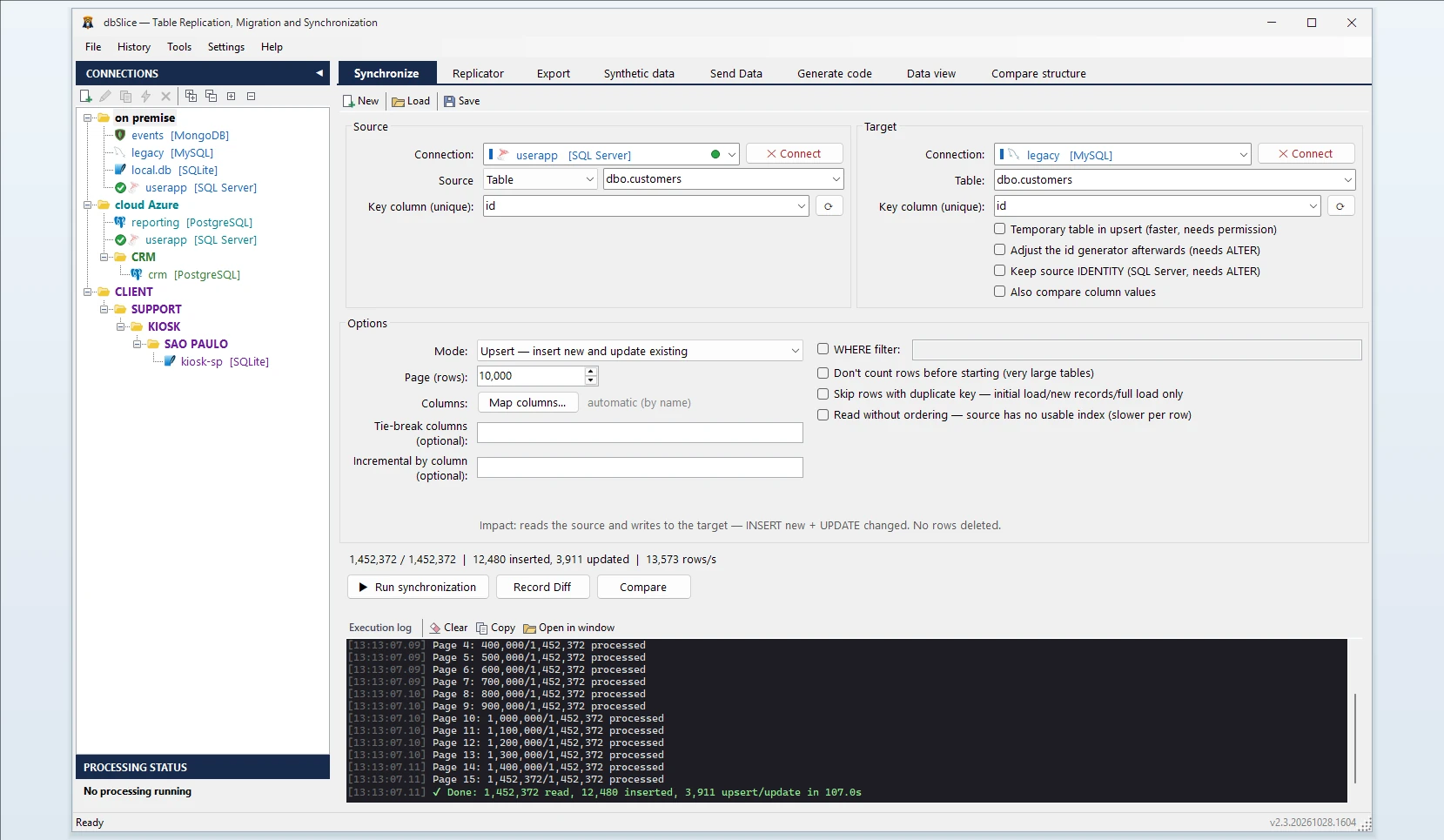
How dbSlice controls the load
- Reads the SQLite file ordered by the key.
- Matches rows by a key you choose. Modes: Initial load, then Upsert, Insert new, Update only or incremental by column (
updated_ator the row id). - Checks before writing with Record Diff and on-screen checks, and proves the result with Compare and the full list of divergent keys.
- Masks on the way for development and test copies, keeping keys and foreign keys intact.
- Export instead of load: when you only need a file, the same app exports a SQLite table to CSV, JSON, XML or HTML.
Step by step: convert a table from SQLite to SQL Server
- Open the SQLite database file and connect to SQL Server.
- Pick the source table (or a SELECT, as in the julian-date example) and the target table.
- Choose the key column, and turn on Keep identity if the target key is an
IDENTITYcolumn. - Choose the mode: Initial load, then Upsert or Insert new.
- Run Record Diff, then the copy, or save it as a job for the CLI and the Windows Task Scheduler.
Moving data between SQLite and SQL Server in both directions
The other way, dbSlice exports a SQL Server table to a SQLite database file, which is handy for a portable copy or an offline app. For PostgreSQL, see SQLite to PostgreSQL.
FAQ
Does SQLite need a server or a driver?
No. dbSlice opens the database file directly.
Are triggers and views converted?
No. dbSlice moves data; views can be a source through a SELECT.
Are deletes copied by incremental runs?
No. Run Compare or a reload before the switch.
Is there a free version?
Yes, on the Microsoft Store: it connects, browses, compares and exports to CSV. Writing to a target needs a Desktop or Server license.