
Why this is harder than it looks
Most migration tools and guides cover the opposite direction: loading data into IRIS. Going out of Caché usually means ODBC drivers, export scripts and a lot of manual type fixing. And legacy Caché tables often have no primary key and no usable index, which makes many tools slow or unable to read them in batches.
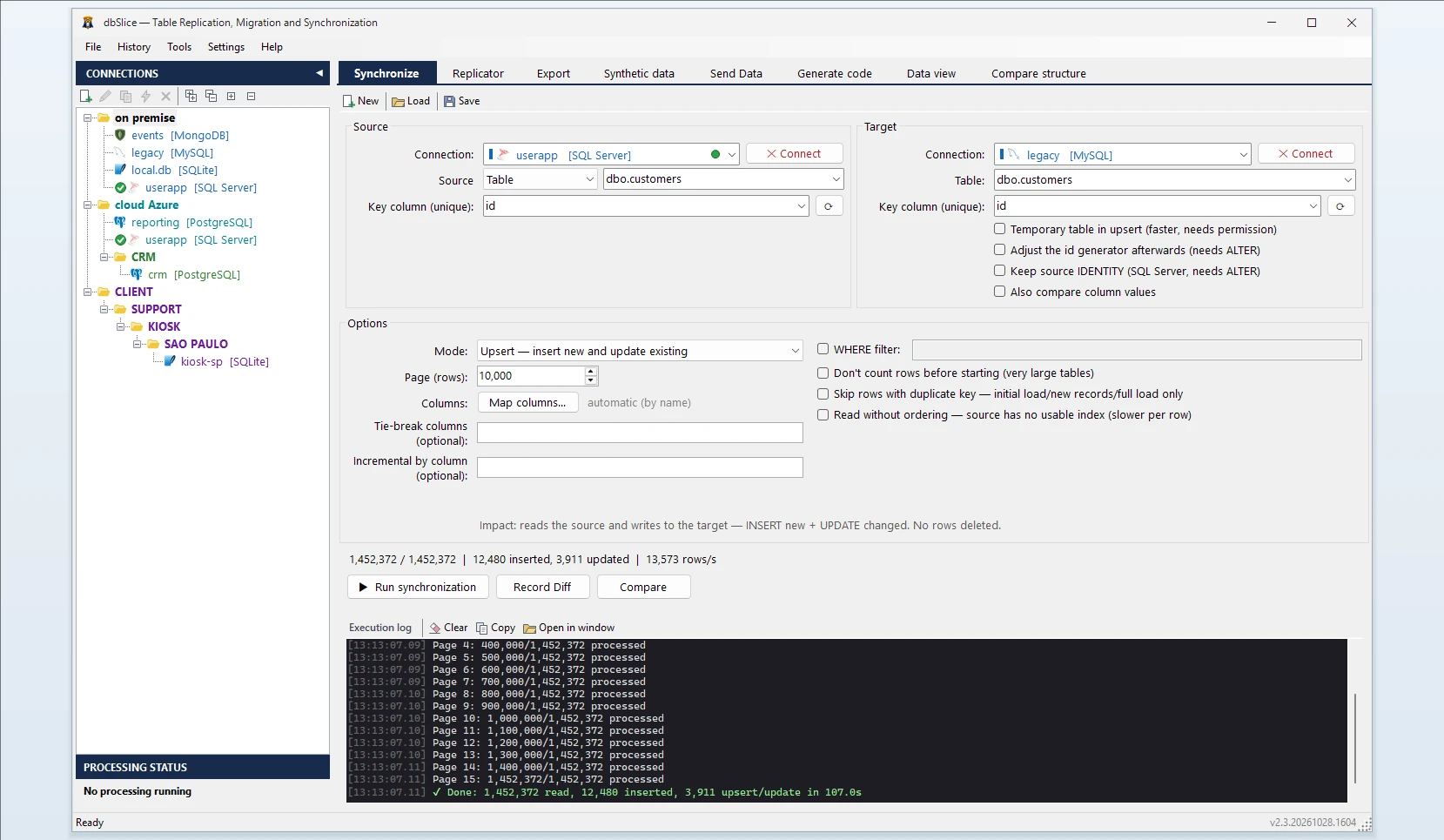
What dbSlice does
- Nothing to install. dbSlice connects to InterSystems IRIS and to legacy Caché out of the box. You do not install or configure an ODBC driver.
- Namespace-aware. Pick the server, the namespace and the table, as you would in the Management Portal.
- Legacy tables without an index. When there is no usable key, dbSlice still reads the table efficiently, in one go.
- Type mapping to the target. If the target table does not exist yet, dbSlice shows the
CREATE TABLEscript translated to PostgreSQL or SQL Server for your DBA to review and run. It does not create objects in your databases by itself. - Any target engine. PostgreSQL, SQL Server, Oracle, MySQL, MariaDB, Firebird or SQLite, and NoSQL targets (MongoDB, Cassandra, Elasticsearch, Couchbase, Redis).
- Mask on the way. Hide names, e-mails or IDs while copying, for a test or analytics copy that must not carry personal data.
Step by step
- Connect to Caché or IRIS: server, port, namespace, user. Choose InterSystems Caché for a legacy server and InterSystems IRIS for IRIS.
- Connect to the target, for example PostgreSQL.
- Pick the source table (or write a SELECT) and the target table.
- Choose the key column, if the table has one. If it has none, dbSlice reads the table in one go, as described above.
- Choose the mode: Initial load for the first copy, then Upsert or Insert new for later runs.
- Check first: Record Diff compares keys on both sides.
- Run, or save the job and schedule it with the CLI while both systems run side by side.
Run it during the transition
A Caché replacement rarely happens in one weekend. Keep the old system as the source of truth and refresh PostgreSQL every night with Upsert. With a column that only grows (a timestamp or a counter), each run reads only rows above the last value it saw.
Deletes in Caché are not detected by incremental runs; schedule a periodic full comparison or a full reload for tables where rows are removed.
What dbSlice does not do
- It moves data, not code. ObjectScript classes, methods, routines and triggers are not converted. Plan that part separately.
- It reads through SQL. Data that lives only in globals, with no class or SQL mapping, is not visible to SQL and therefore not to dbSlice. Map it to a class first.
- Tables without a key cannot resume. A network failure in the middle means starting that table again. Tables with a key can pick up where they stopped.
- Not real-time. Runs are batch jobs, on demand or scheduled.
The other direction, too
dbSlice also writes into IRIS and Caché, so the same screen loads PostgreSQL or SQL Server data into IRIS, and it can generate an IRIS class from a table schema.