
One tool to move, sync and prove data between the leading databases
Migrate many tables in one run, keep source and target in sync, and compare key by key at the end. A Windows app with a CLI, plus a Linux edition in Docker.
Download free — Microsoft Store ↗ See pricing →
In production for 6+ years · 14-day money-back · Runs on your machine
Why teams pick dbSlice
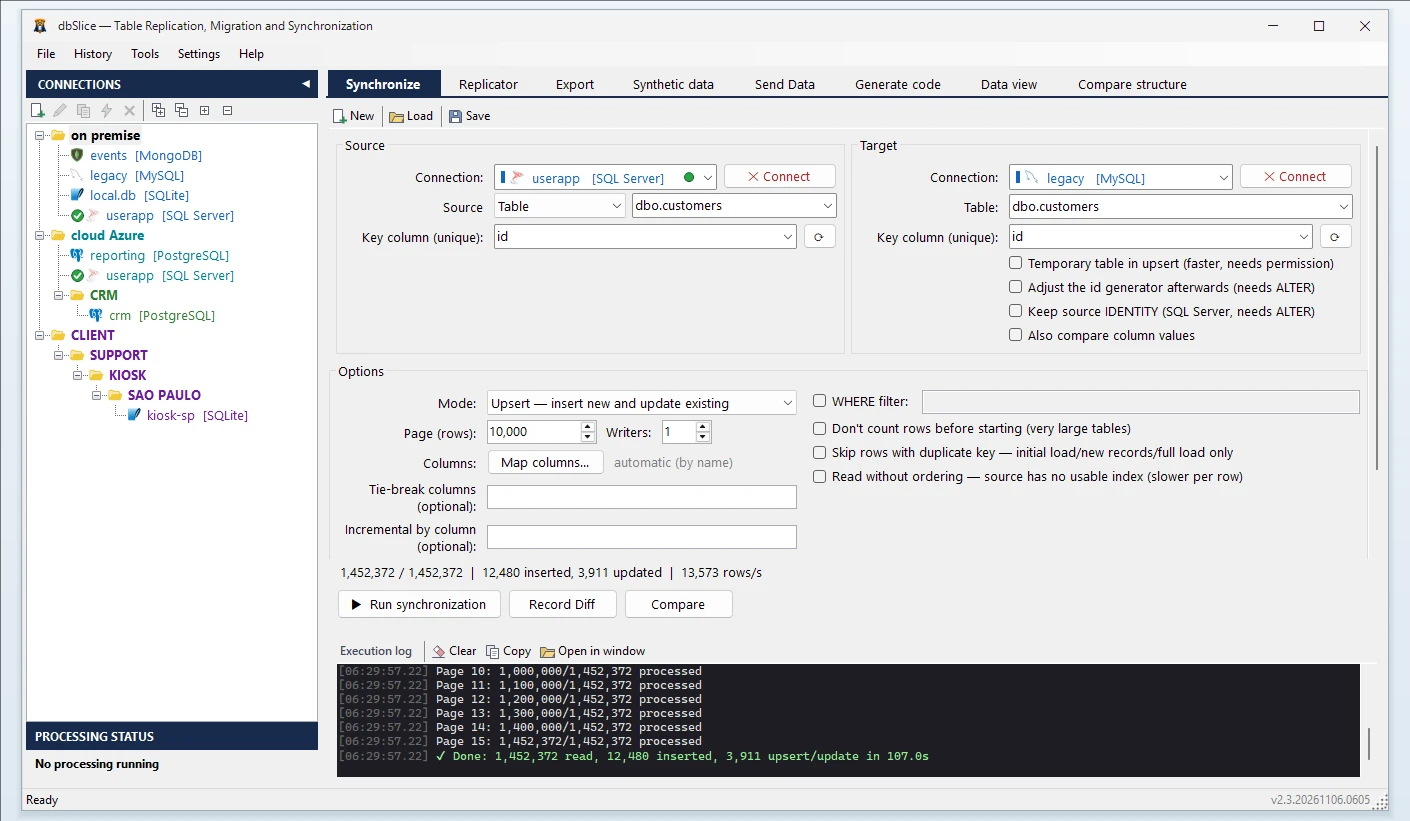
Proves the result
After the run, compare key by key: counts, keys missing on either side and different values per column.
Creates nothing in your database by default
It only reads and writes rows: no temporary tables, no ALTER, no triggers. The faster temporary-table upsert is an option you turn on.
Runs on your machine
Data goes straight from source to target through the machine running dbSlice. It never passes through our servers.
Same file on screen and in the CLI
Save what you tested on screen as a job and schedule exactly that from the command line.
Supported databases, on either side
Any of these, as source or target:
It also writes to MongoDB, Cassandra, Elasticsearch, Couchbase and Redis.
The four core jobs
Migrate
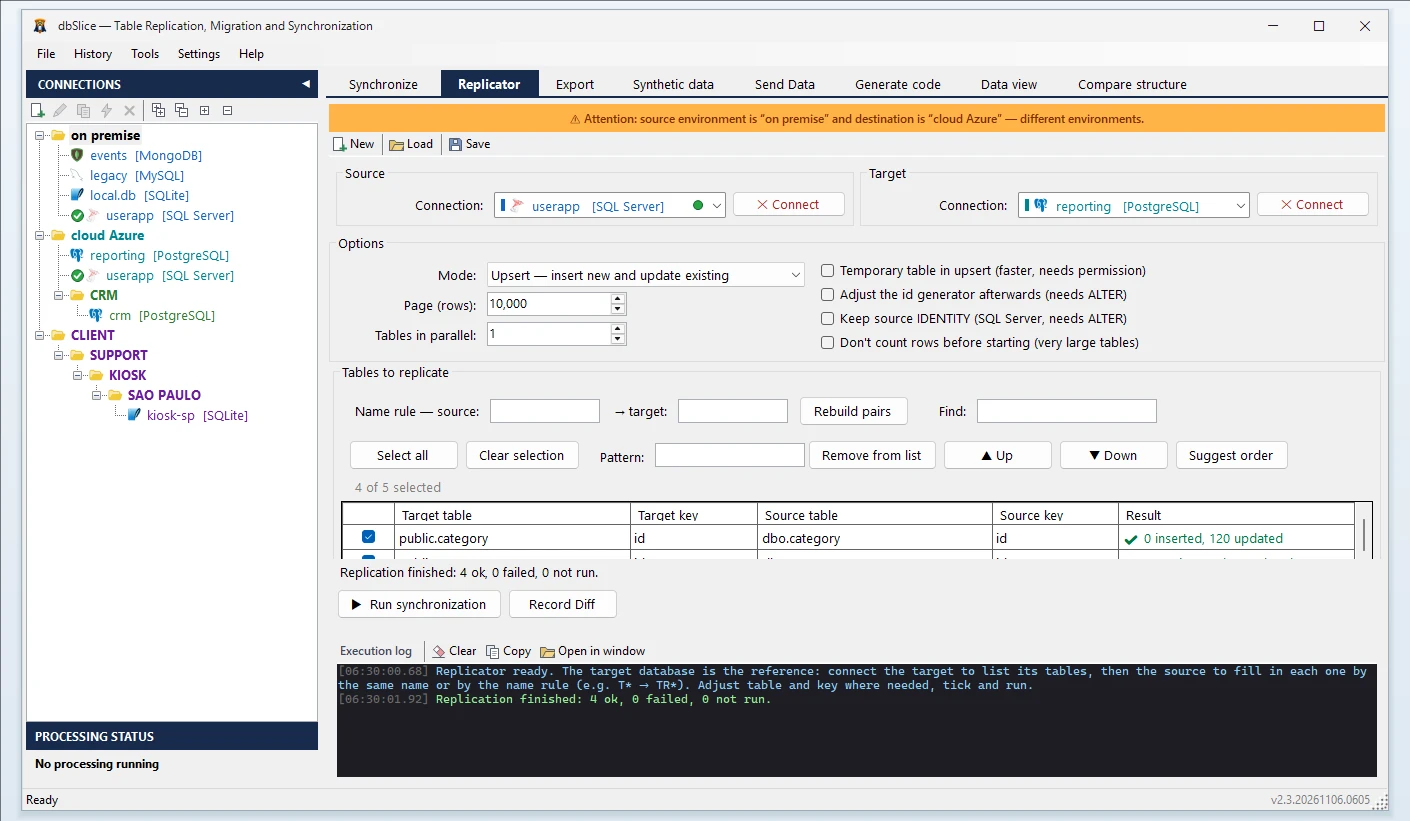
The Replicator moves many tables in one run, with on-screen checks before it writes.
- Many tables in one run, parents before children (Suggest order).
- Type mapping between databases; the CREATE TABLE stays visible for your DBA.
- An on-screen warning when source and target sit in different environments, before anything is written.
- Initial load
- first copy into an empty table.
- Insert new
- adds what is missing; never touches existing rows.
- Upsert
- inserts new rows and updates existing ones; the everyday sync.
- Update only
- refreshes rows that exist; never creates any.
- Full reload
- reloads the whole table from the source.
- Postback
- writes, then tells an API or queue, row by row.
Compare
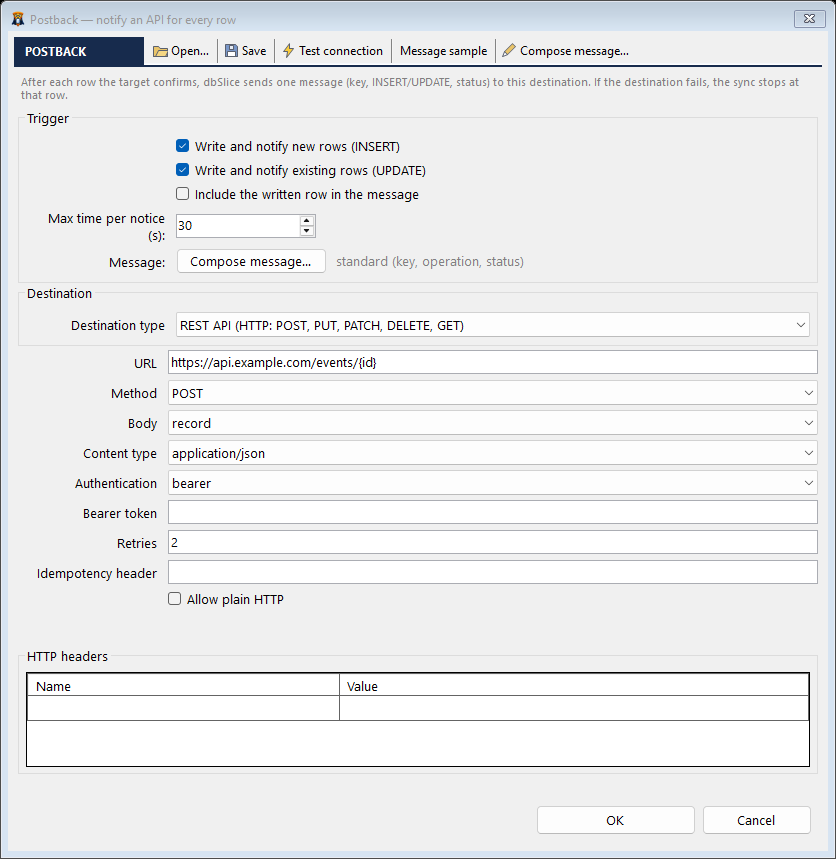
Checks both sides without writing anything, before or after the cutover.
- Counts, keys missing in the target and in the source.
- Different values column by column, when you turn the option on.
- A report on screen and the full list of differing keys saved to a file.
Postback
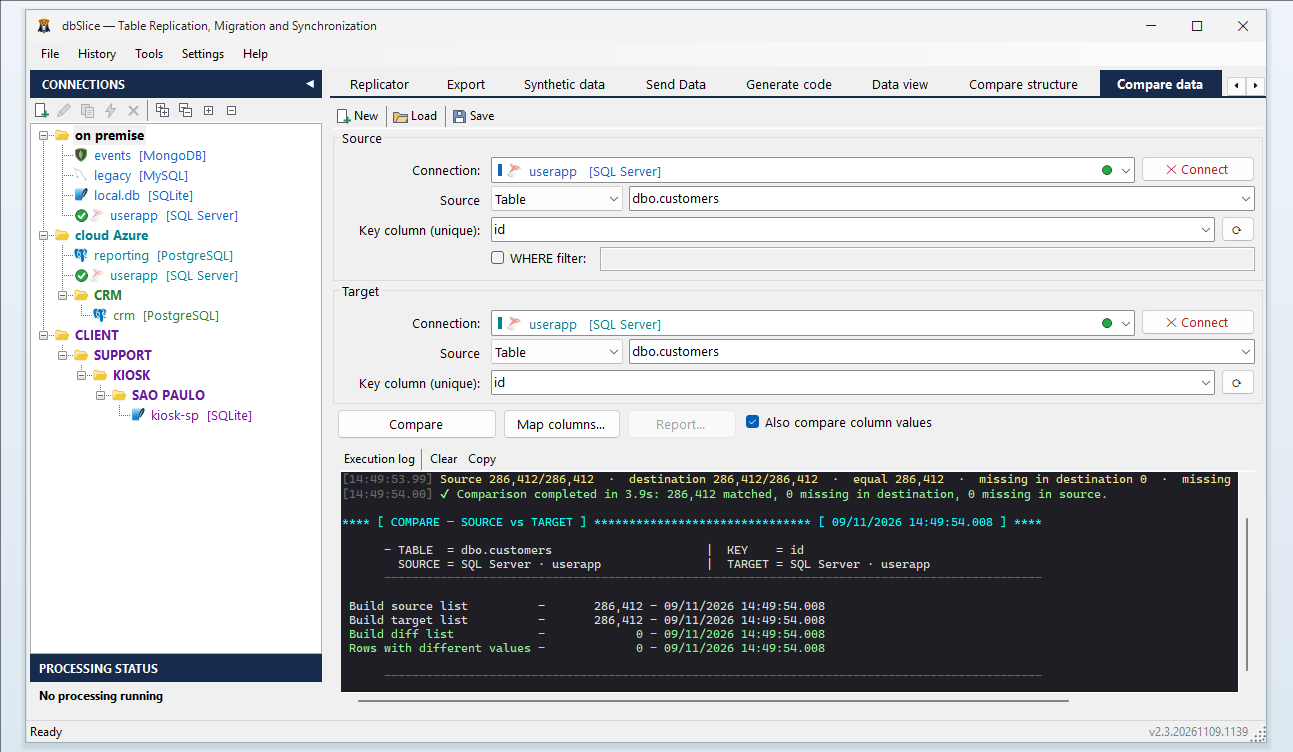
Every row written can tell your ERP, CRM or message queue, in the same run.
- The call goes out after the database confirms the write, with the table, the key, insert or update, and an event id.
- REST, SOAP, gRPC, Kafka, RabbitMQ or Pulsar.
- If your API rejects a call, the job stops at that row and, on resume, announces it again with the same event id.
In the same license
Export
Tables or queries to CSV, JSON, Excel, SQL scripts and more.
Guide →Mask data
Test copies with e-mails, IDs and phone numbers masked; keys and foreign keys left intact.
Guide →Synthetic data
Fake rows that follow types and foreign keys.
Guide →Send data
Rows as JSON to Kafka, RabbitMQ, Pulsar, REST, SOAP or gRPC.
Guide →
It also generates code (models, repositories and APIs) from a table schema. Guide →
Automation
What runs on screen runs without you.
- CLI and saved jobs, in any scheduler (Windows Task Scheduler, for example).
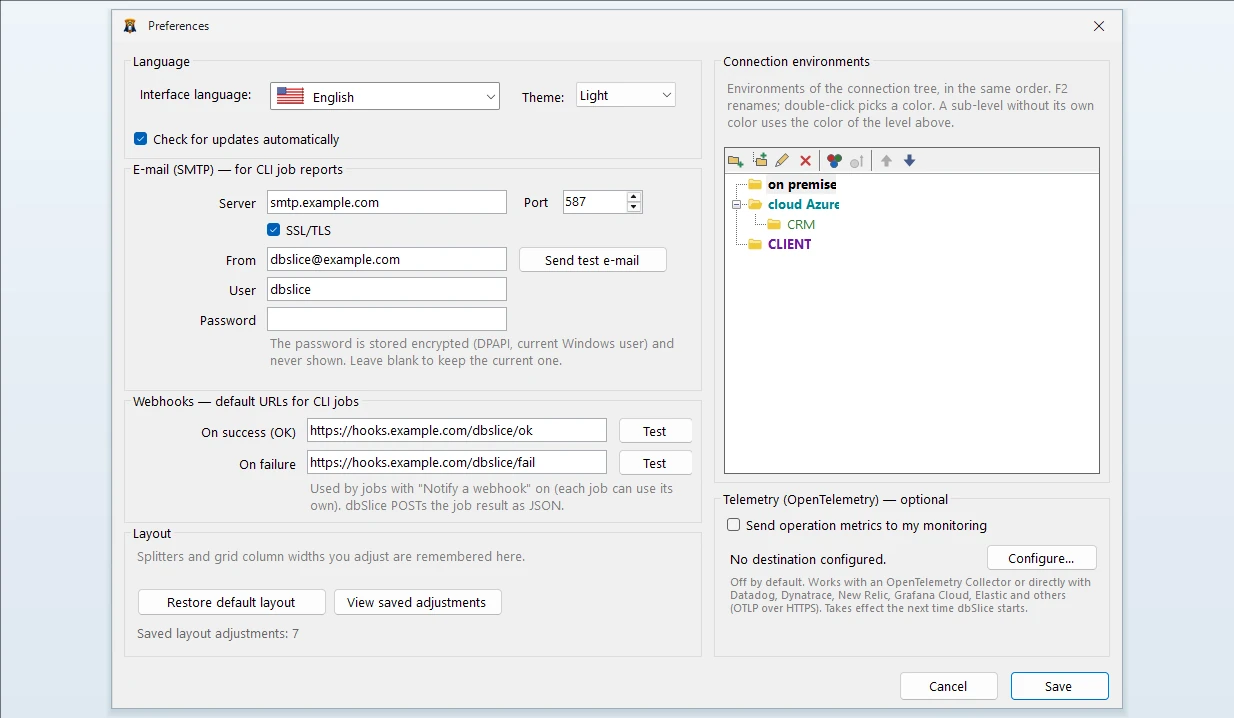
- E-mail over SMTP and webhooks on the success and failure of each job.
- Optional OpenTelemetry, off by default: rows, duration and errors in your monitoring tool.
- In the Linux edition: a built-in scheduler and a job API.
Editions
One license per edition; every database and every feature in each.
Desktop
Windows app + CLI, one person on one computer. One-time payment.
Windows Server
One Windows Server installation, for scheduled jobs. One-time payment.
Linux (Docker)
Web interface, built-in scheduler and a job API. Annual subscription.
In production for more than six years in mission-critical environments, across several data centers and on-premises.
FAQ
Do I need to install anything on the database server?
No. dbSlice runs on your Windows computer or a Windows Server and connects to the databases with the drivers it ships with, using the account you choose. Nothing is installed on the database server and, by default, nothing is created in your databases.
Does my data leave my network?
No. Data goes from source to target through the machine running dbSlice and never passes through Thinwork servers. Only license activation and the update check talk to our servers, with no table data.
Can I try it for free?
Yes. The free Microsoft Store version connects, shows the data, compares structures and exports to CSV. Writing to a target needs a Desktop or Server license, with a 14-day money-back guarantee.
Which databases does it support?
SQL Server, PostgreSQL, Oracle, MySQL, MariaDB, Firebird, SQLite and InterSystems Caché/IRIS, as source or target. It also writes to MongoDB, Cassandra, Elasticsearch, Couchbase and Redis.
Try it on your own tables — free
Download free — Microsoft Store ↗ See pricing →
In production for 6+ years · 14-day money-back · Runs on your machine