
dbSlice by Thinwork for Linux, in Docker: the same tools, in your browser
Docker image · browser interface · sold by contact
The Linux edition runs as a Docker container on your company’s server. Your team opens it in a browser and finds the tools of the Windows app: the Assistant, Synchronize, Compare, the Replicator and saved jobs.
Same screens, side by side
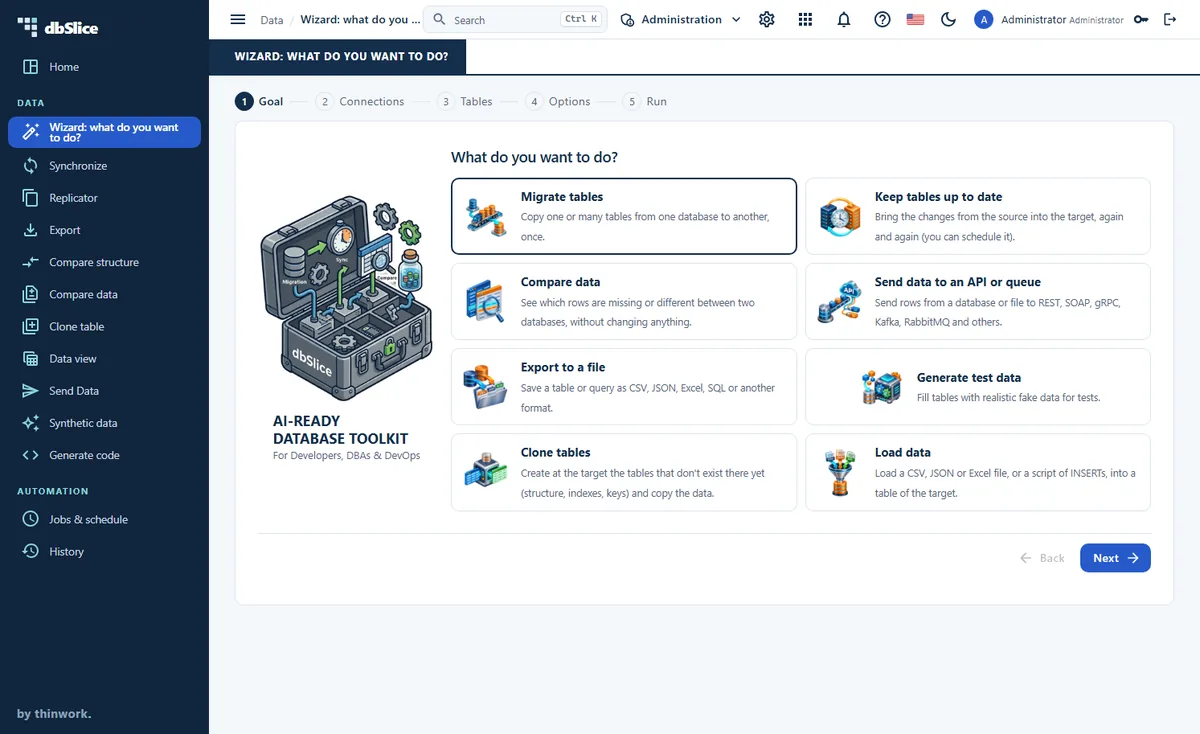
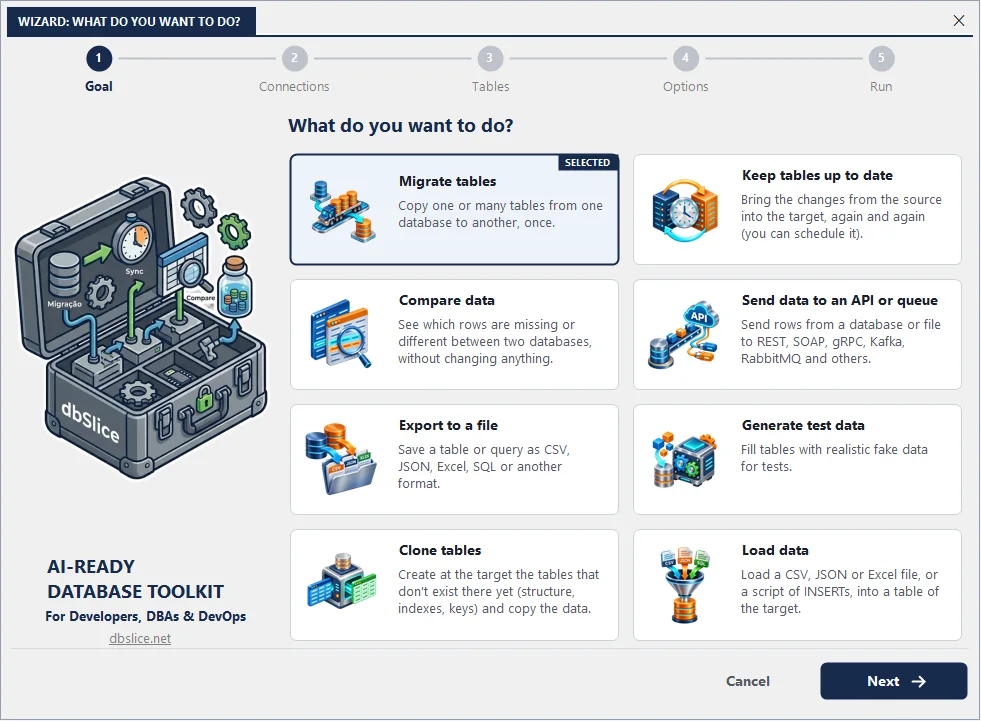
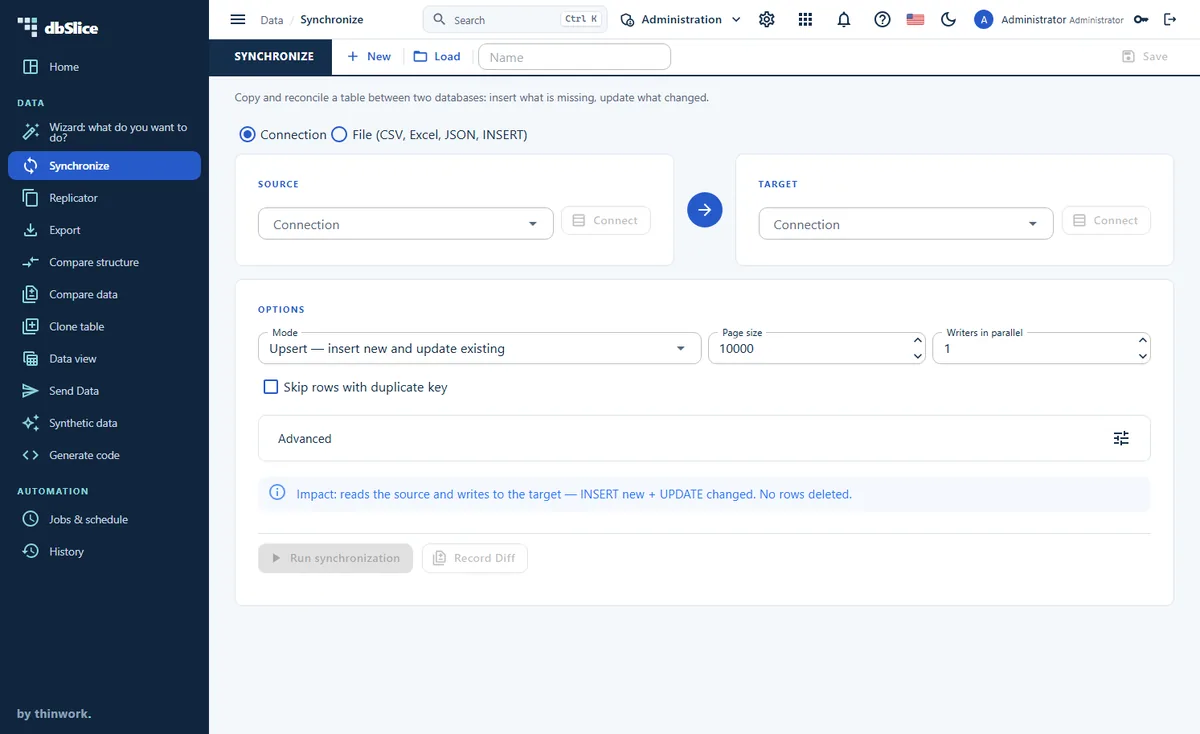
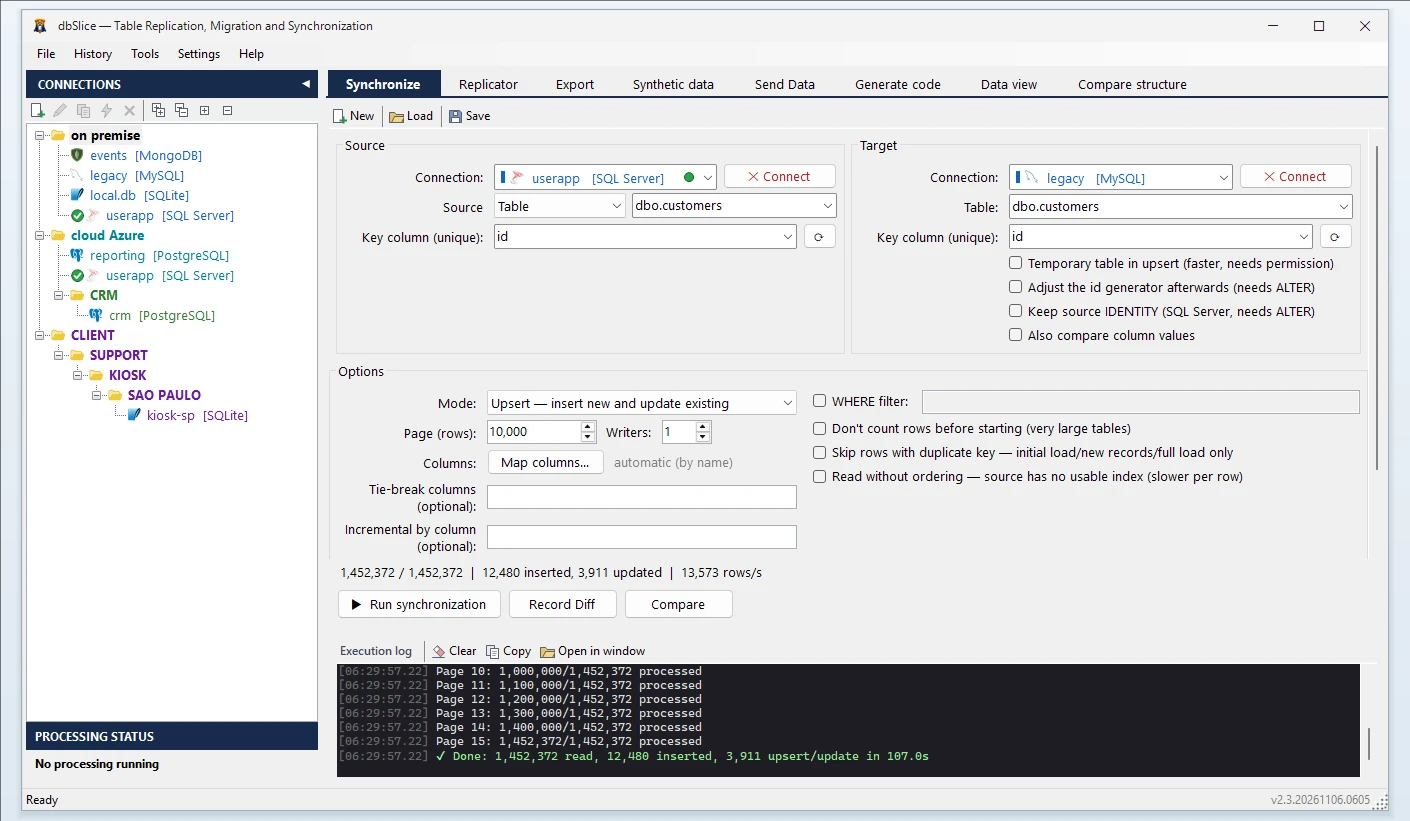
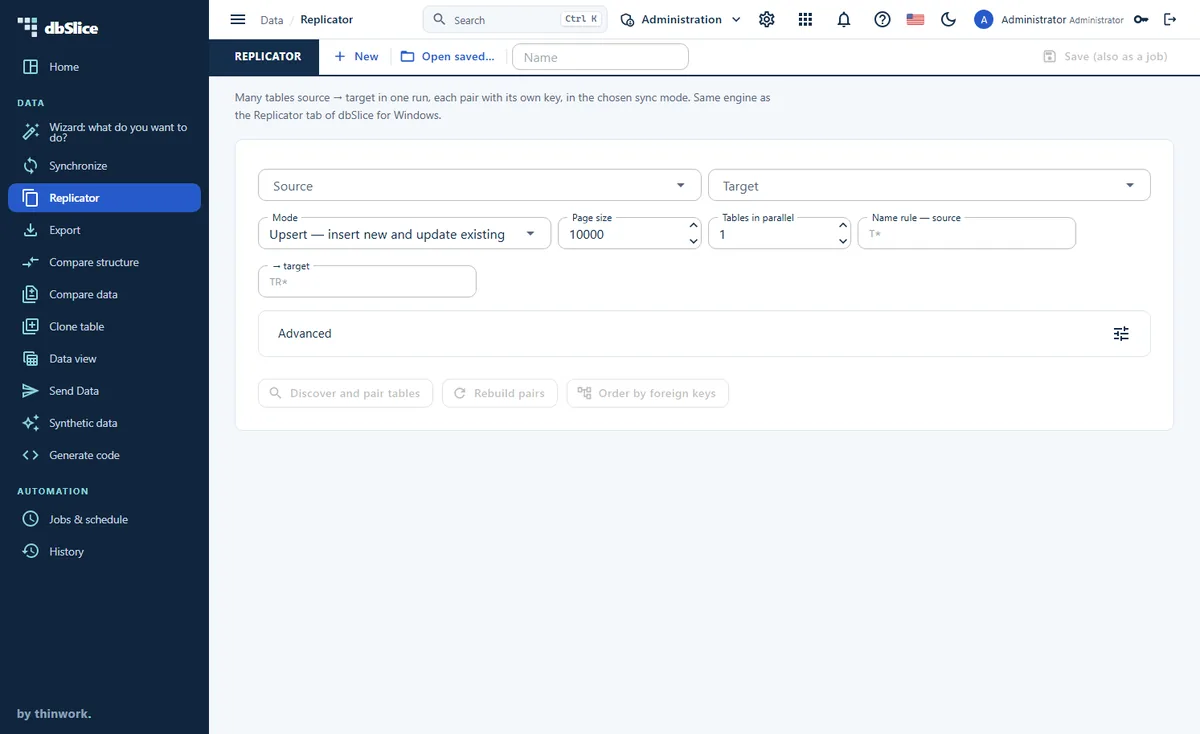
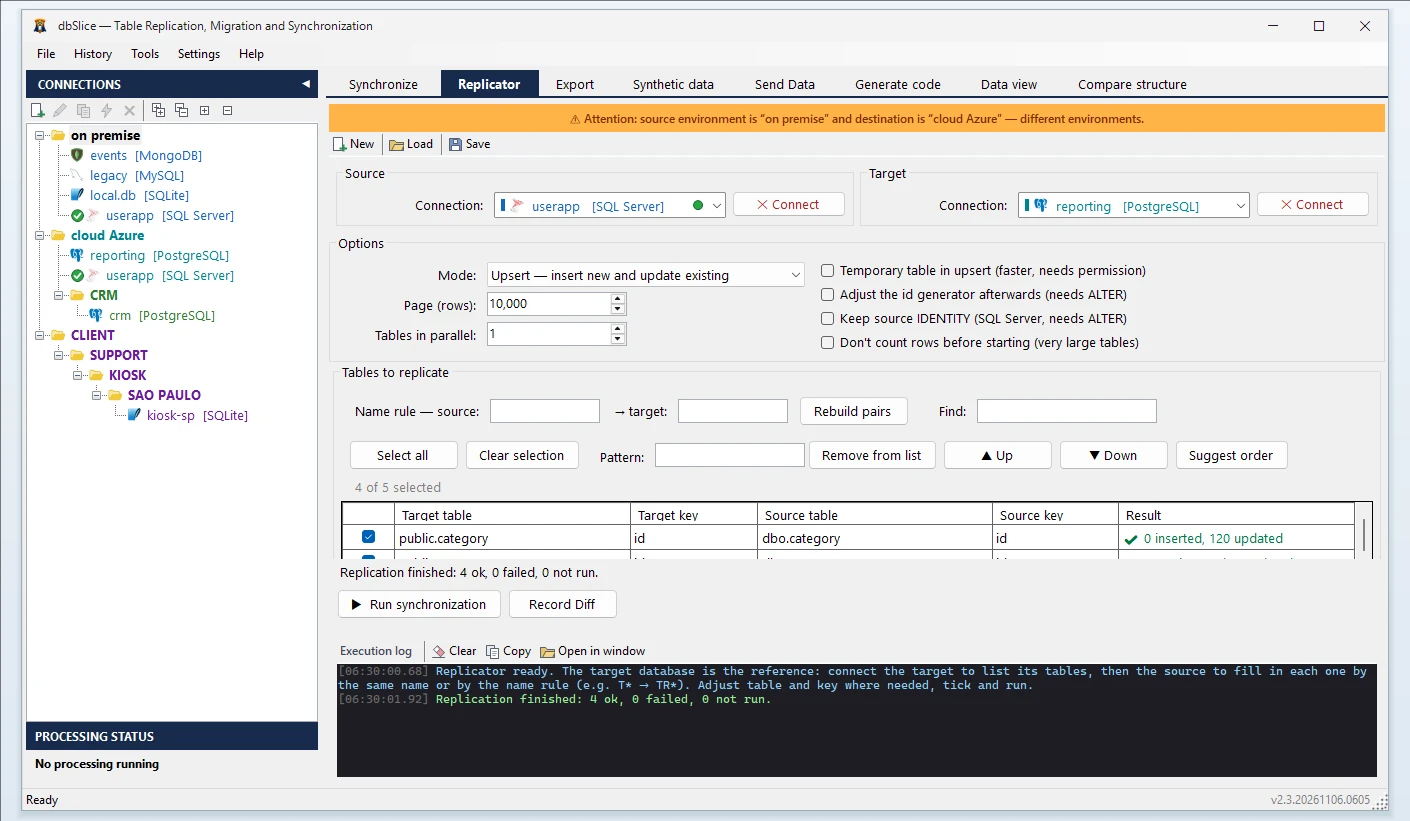
The Windows app on the left, the Linux edition in the browser on the right.
Pick what you want to do. Migrate, keep tables up to date, compare, send, export, generate, clone or load, in five steps.
Copy and keep in step. Upsert, insert-new or incremental runs, by key.
Compare the structure. Columns, types, nulls, keys and identity, side by side, before you move the data.
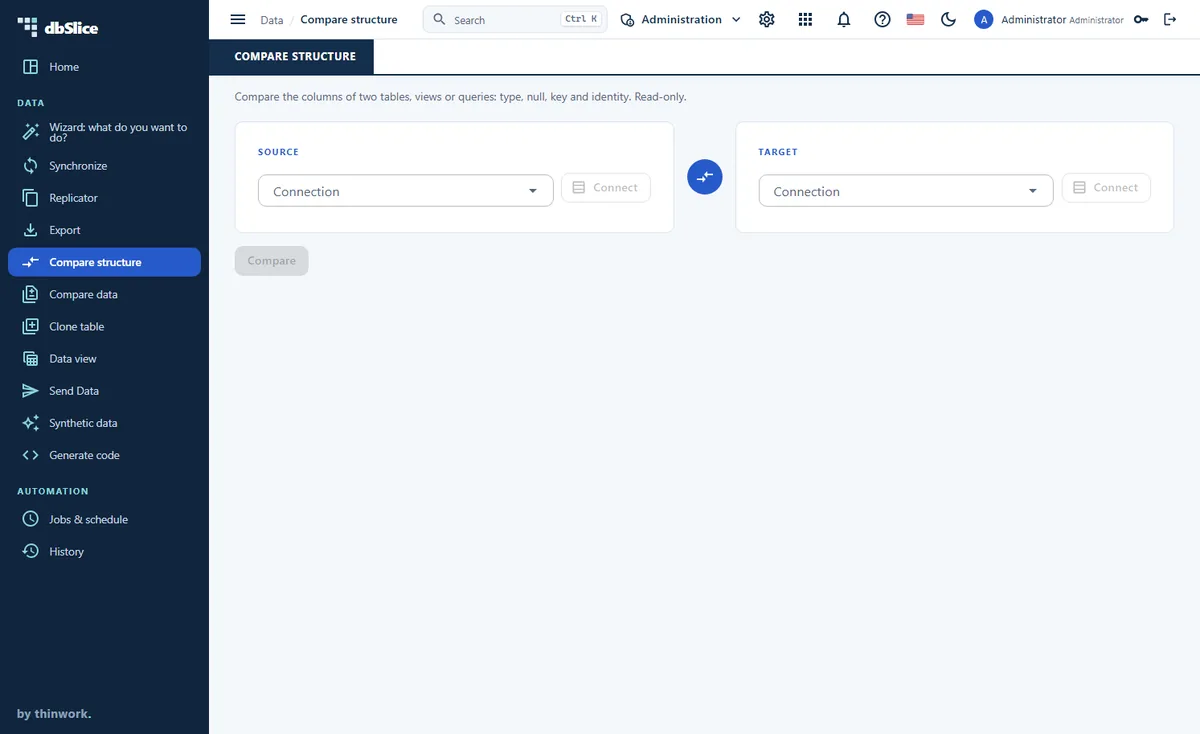
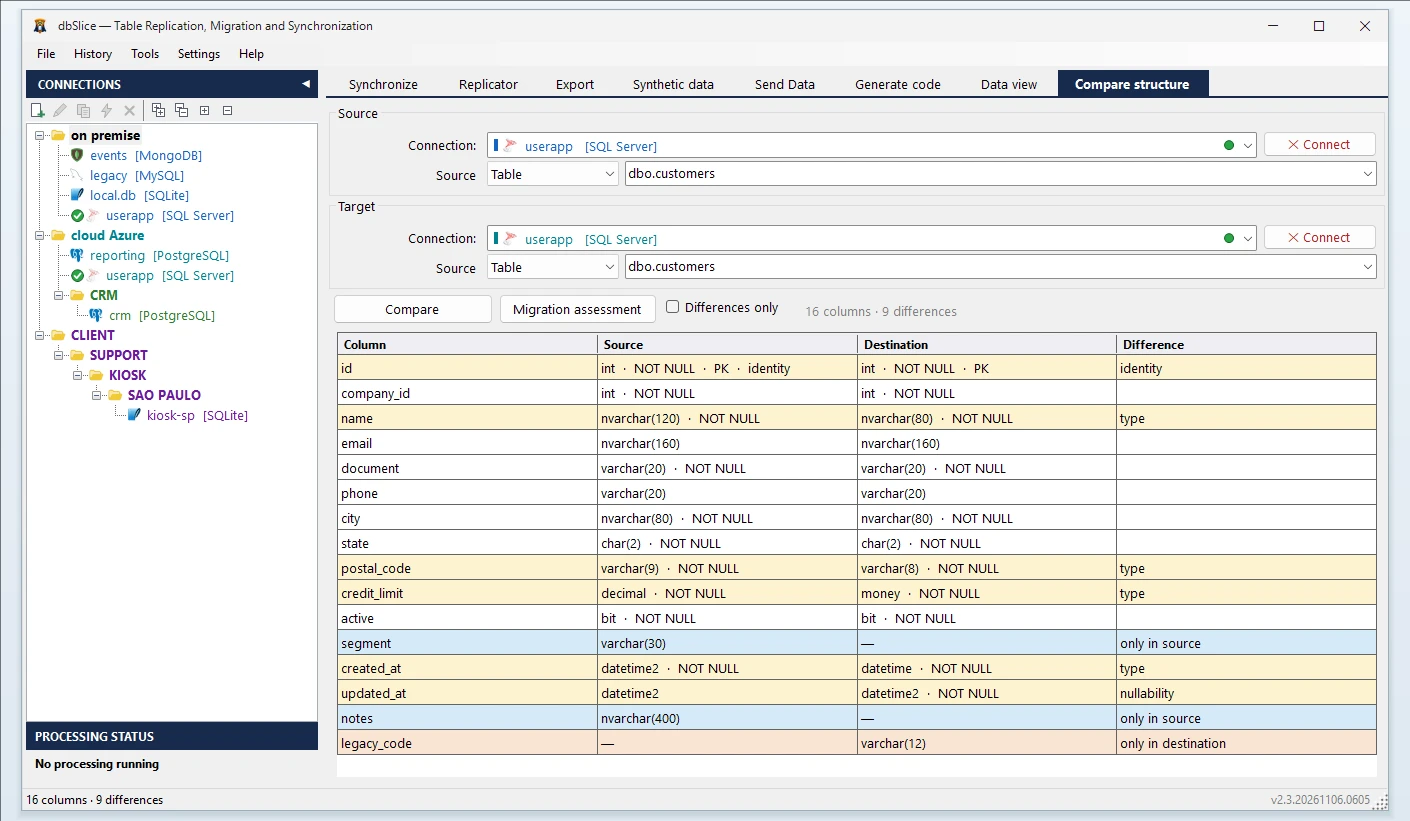
Many tables in one run. Order, page size and parallel writers per job.
Run it on a schedule. The same job file, from the Windows CLI or the built-in scheduler on Linux.
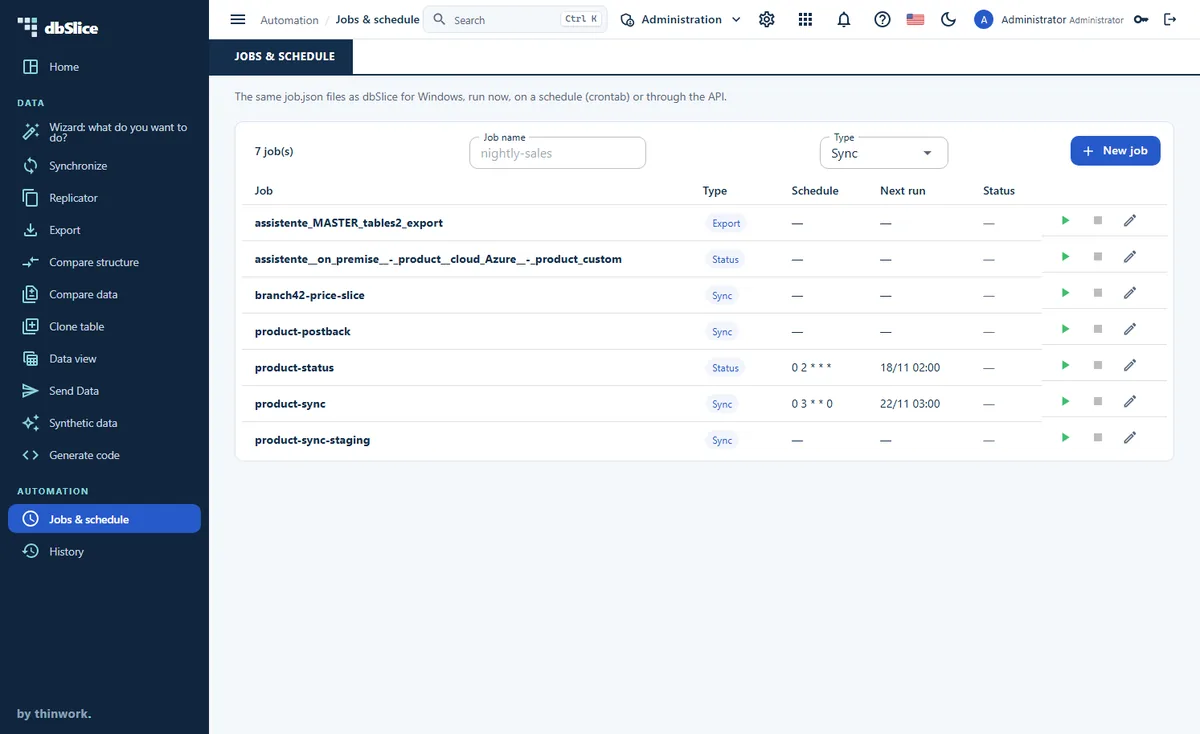
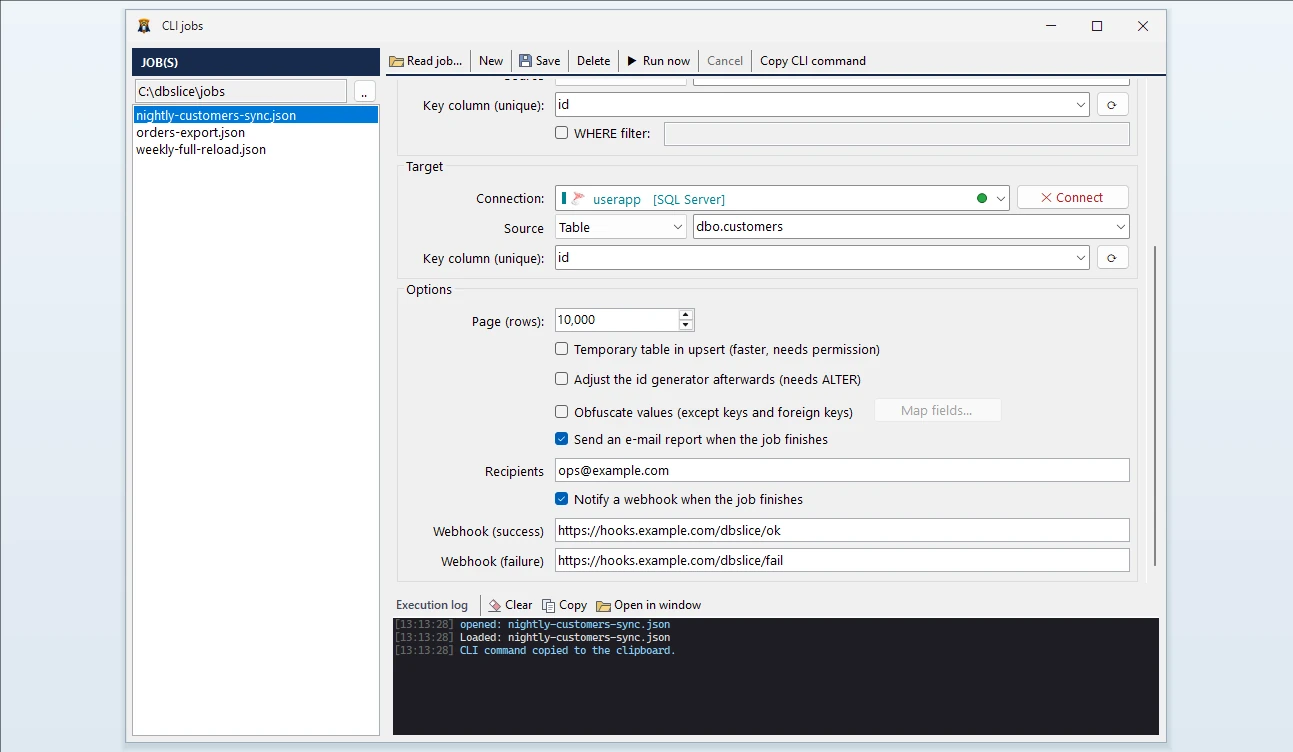
What the Linux edition adds
- Several people, one server: users with roles (admin, operator, read-only), their own passwords and required two-step verification (authenticator app; e-mail codes optional, with SMTP). One session per person.
- A scheduler inside the container and a job API with tokens, for CI/CD pipelines and shell scripts.
- Data and logs on a volume you own.
- Runs on your infrastructure: your server, your network, your databases. Rows never go to Thinwork.
How it is delivered
The Linux edition is built for company IT teams running x86-64 (Intel or AMD) servers. Every installation is planned with you, so it is sold by e-mail contact, not by download or online checkout.
- You write to us. Tell us what you want to do: migrate, keep tables in sync, compare or send data.
- We get back to you and learn your environment: server, network, databases, data volume and who will use it.
- We propose the architecture: where the container runs, how it reaches your databases, which jobs run on the scheduler or through the API.
- You choose the support level. The annual subscription on its own, or with implementation consulting or implementation support under an SLA, sized to your company and to the response times you need.
A 14-day trial key is also available by e-mail, in an environment we agree on.
Coming next: dbSlice for Mac
Our team is working on a native edition for Macs with Apple Silicon, with the same features as the Windows version. In development, planned for 2027.
Prefer the Windows app? It is on the Microsoft Store, with a free trial. See the product →