When a data reconciliation finds records that never arrived, the quickest fix is an INSERT or UPDATE on the target database. It is rarely the right one. Triggers, business rules, calculations and downstream integrations live in the process, not in the table. The safe path is to make the integration run again, from where the data was born.
The problem
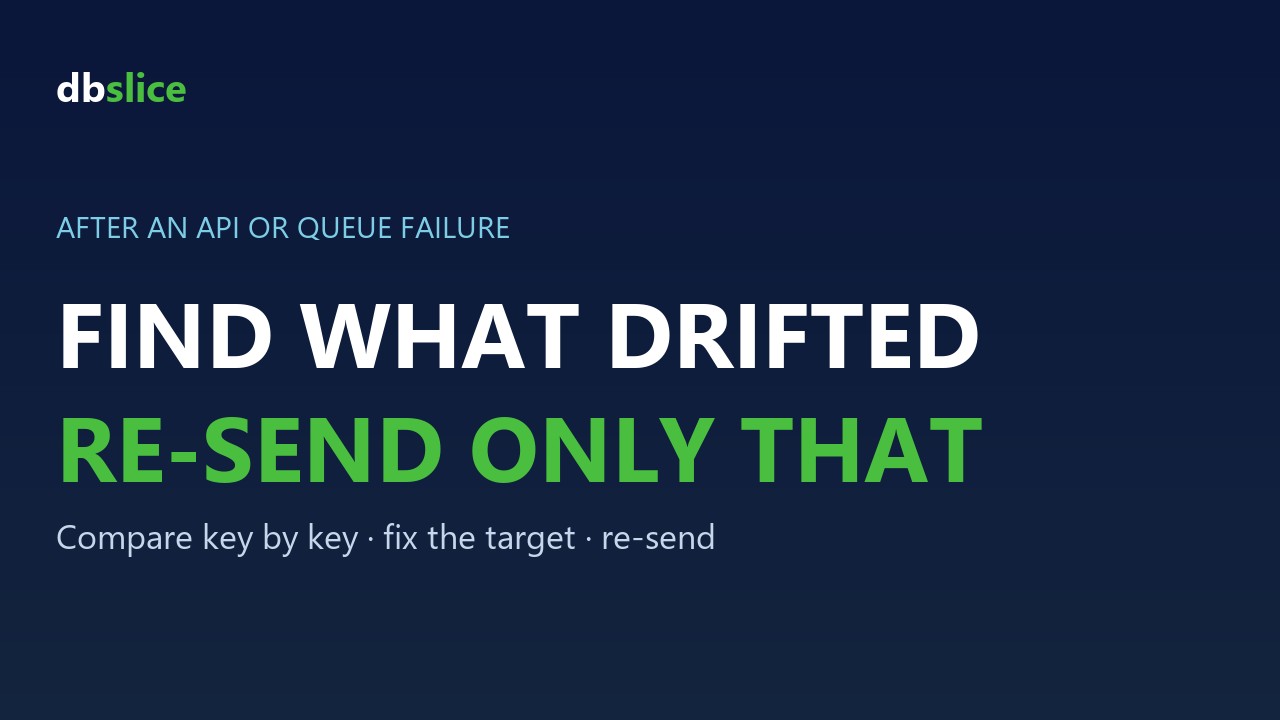
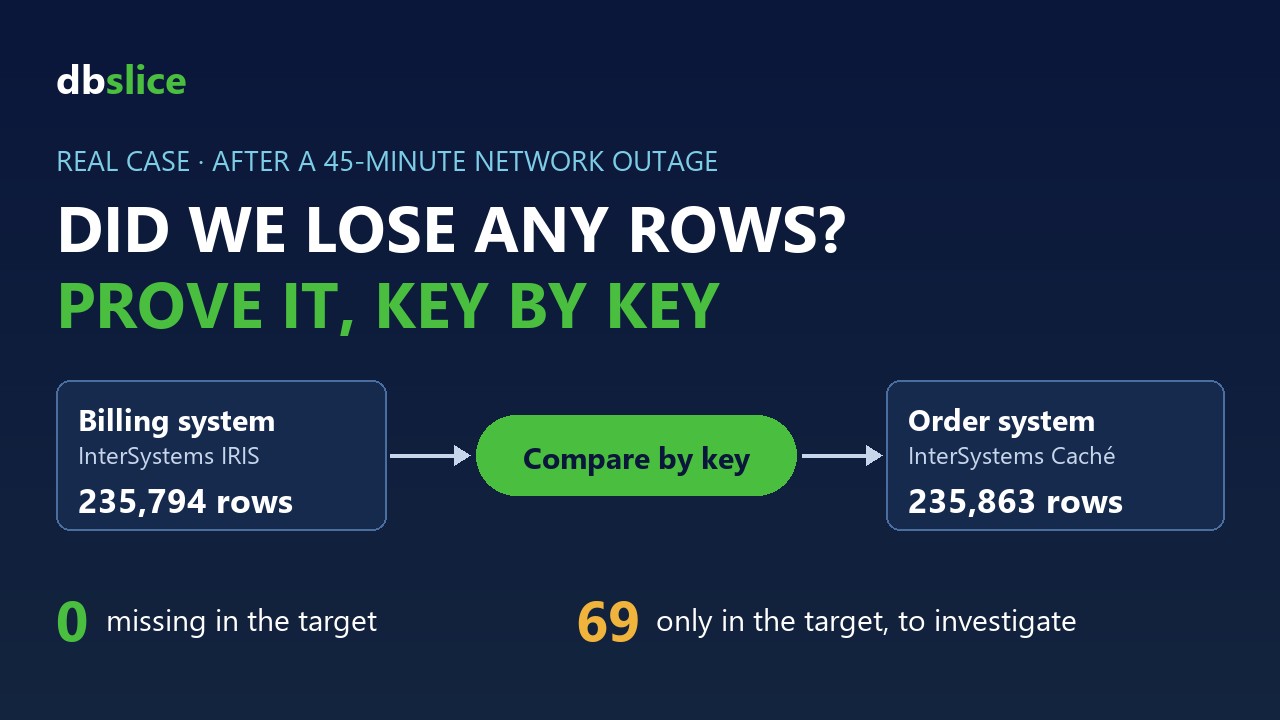
A comparison between source and target shows the gap: an order that never reached the order system, a row stuck with status "pending", an integration that stopped halfway through a batch. In dbSlice by Thinwork, that is what Compare data reports, key by key, with the full list of divergent keys saved to a file.
The temptation
With the list in hand, a direct statement on the target looks like the end of the job:
INSERT INTO orders (...) VALUES (...);
UPDATE orders SET status = 'INTEGRATED'
  WHERE id = 48213;
The table is now right. The process is not. That statement skipped:
- the triggers and calculations the receiving system runs on arrival;
- business rules and validations, including the ones that would have rejected the record;
- numbering and sequences the system assigns itself;
- the events it publishes to other systems further down the chain;
- the audit trail that says who sent what, and when.
The data is correct in the table and wrong everywhere that depends on it.
The principle
Data is corrected where it is born, along the path it already travels. The system that receives the record is the one that knows how to apply its own rules. A fix that goes around it has to reproduce every one of those rules by hand, and keep reproducing them as the system changes.
How dbSlice does it
Send data, in Postback mode, turns the list of pending records into a resend through the original channel:
- Source: a log table, a pending queue, or a filter on a status column ("not integrated").
- Mapping: each row is mapped to the JSON model or the contract the destination expects, with field transforms where needed.
- Preview: the payload of a sample record is shown before anything is sent.
- Delivery: through the same channel the integration uses: REST, SOAP (read from the WSDL), gRPC, a database procedure, or a message broker such as Kafka, RabbitMQ or Pulsar.
- Result per record: each record is marked sent or failed, and a second run resends only what failed.
- Repeatable: the setup is saved to a file, and the same file runs from the command line or a scheduled task.
The receiving system gets the data as it did the first time, applies its own rules and keeps its audit trail.
Why it sits in the same product that migrates and syncs
It can look like a mix of unrelated features. It is the full cycle of data in production:
| Step | Tool | What it fixes |
|---|---|---|
| Find the difference | Compare data | Nothing yet: it proves what is missing, extra or different |
| Fix what is only data | Sync | Reference tables, replicas, copies with no process behind them |
| Fix what depends on process | Send data (Postback) | Orders, invoices, events: anything the target must process itself |
The comparison tells you which records are affected. The nature of the record tells you which path to take.
Where this comes from
dbSlice grew out of years of running mission-critical systems in production. The rule there is simple: data is fixed where it is born and through the process, not by patching tables by hand.
FAQ
- Does dbSlice write to the target database when it resends? No. It calls the integration; the receiving system writes to its own database.
- What if the destination rejects a record? The record is marked failed with the response, and the next run resends only the failed ones.
- Can it run unattended? Yes. The saved file runs from the command line or a scheduled task.
- Which edition? Send data, Postback mode and command-line jobs start at the Pro edition. The free version on the Microsoft Store connects, browses data, compares structures and exports to CSV.