The best database compare and sync tool is the one that does both jobs in one loop: it finds the rows that differ between two databases, then fixes only those rows, on a schedule, without changing anything in your databases. Many tools do one half well. This guide lists what to check before you choose, and where the common options fit.
Compare and sync are two halves of one job
- Compare answers "are these two tables the same?" and, if not, "which rows differ?"
- Sync makes them the same again: inserts the missing rows, updates the changed ones, and lets you decide what to do with the extra ones.
A tool that only compares leaves you writing the fix by hand. A tool that only copies can't tell you whether the copy is right. When you are moving data between two databases every night, you want both, connected.
Seven things to check
- Compare by key, not by count. Matching row counts hide a missing row that was replaced by a duplicate. The tool should report rows missing in the target, extra in the target and different in value, by key.
- Choose the columns. A load timestamp or an audit column is expected to differ. You should be able to leave it out of the comparison, so the report shows only real problems.
- Keep the list of divergent keys. The full list, saved to a file, not just the first page on screen. That list is what you re-sync.
- Sync modes, not just "copy table". Upsert, insert only new rows, update existing rows only, and reading only the rows changed since the last run, by a date or sequence column. Without them, every fix becomes a full reload.
- Across engines. SQL Server to PostgreSQL, Oracle to SQL Server, MySQL to PostgreSQL. Data types differ between engines, so the comparison has to handle the conversion, or every row looks different.
- Repeatable runs. Save the compare and the sync as jobs, start them from the command line or a scheduler, and get a log, an exit code and an alert when something fails.
- Nothing installed in your databases. Triggers, agents or helper tables in a production database need a change request and a DBA. A tool that only reads the source and writes the target rows is easier to approve.
Where the common options fit
Based on the vendors' public sites, reviewed in October 2026:
| Type of tool | Examples | Compare | Sync |
|---|---|---|---|
| Database IDEs | DBeaver, Aqua Data Studio, Valentina Studio | Schema compare; data compare in some paid editions (for example DBeaver PRO) | Data transfer between databases; no key-based incremental sync modes |
| Tool catalog by task and engine | EMS SQL Manager family | Separate products for data compare and schema compare | Separate data transfer products, sold per database engine |
| Schema migration | Flyway | Schema drift and versioned migrations | Not for row data |
| Data movement tool | dbSlice | Data compare by key across engines, schema compare | Sync modes by key, reads only changed rows, many tables at once |
IDEs are the right choice when you mostly query and design databases and copy data once in a while. Flyway is the right choice for versioned schema changes; it pairs with a data tool, it doesn't replace one. A dedicated data tool fits when the compare and sync loop runs every day.
How dbSlice handles compare and sync
dbSlice is a Windows app (with a command line and a Linux edition in Docker) for moving data between SQL Server, PostgreSQL, Oracle, MySQL, MariaDB, Firebird, SQLite and InterSystems Caché and IRIS, under one license.
- Compare matches source and target rows by key and reports missing, extra and different rows. You pick the columns, and the full list of divergent keys is saved to a file. See compare source and target.
- Sync fixes the differences, on demand or on a schedule, with the modes Initial load, Upsert, New rows only, Update existing only and Full load, and can read only rows changed since the last run, by a date or sequence column, with a re-read window.
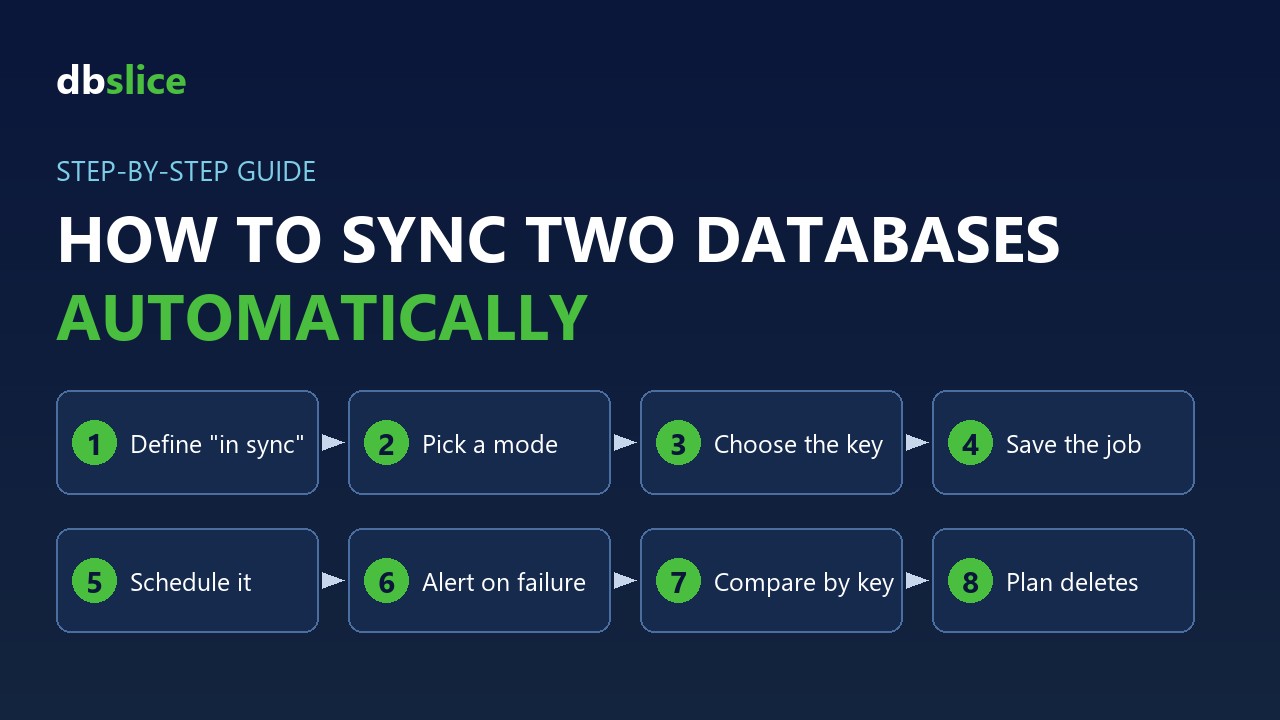
- Jobs run from the command line and the Windows Task Scheduler, with logs, exit codes and e-mail or webhook alerts. See how to sync two databases automatically.
- Your databases stay as they are: by default dbSlice creates nothing in them. It runs batch jobs, on demand or on a schedule; it is not real-time replication.
Moving off a commercial compare tool? See the Redgate SQL Data Compare alternative.
FAQ
- Can I compare two databases of different engines? With dbSlice, yes: for example a SQL Server source and a PostgreSQL target, matched by key.
- Is the compare free? The free version on the Microsoft Store browses data, compares structures and exports to CSV. Comparing and syncing data needs a Desktop or Server license, with a 14-day money-back guarantee.
- Does it handle deletes? The compare lists keys that exist only in the target; you decide whether to remove them.
Planning a system replacement and need help designing the coexistence? Thinwork can run the project with you.