Database replication software keeps a copy of your tables current in another database: a reporting server, a new system running alongside the old one, a test environment. If your team works on Windows, you can run that replication on your own machine or server, across different database engines, without sending your data to a cloud service.
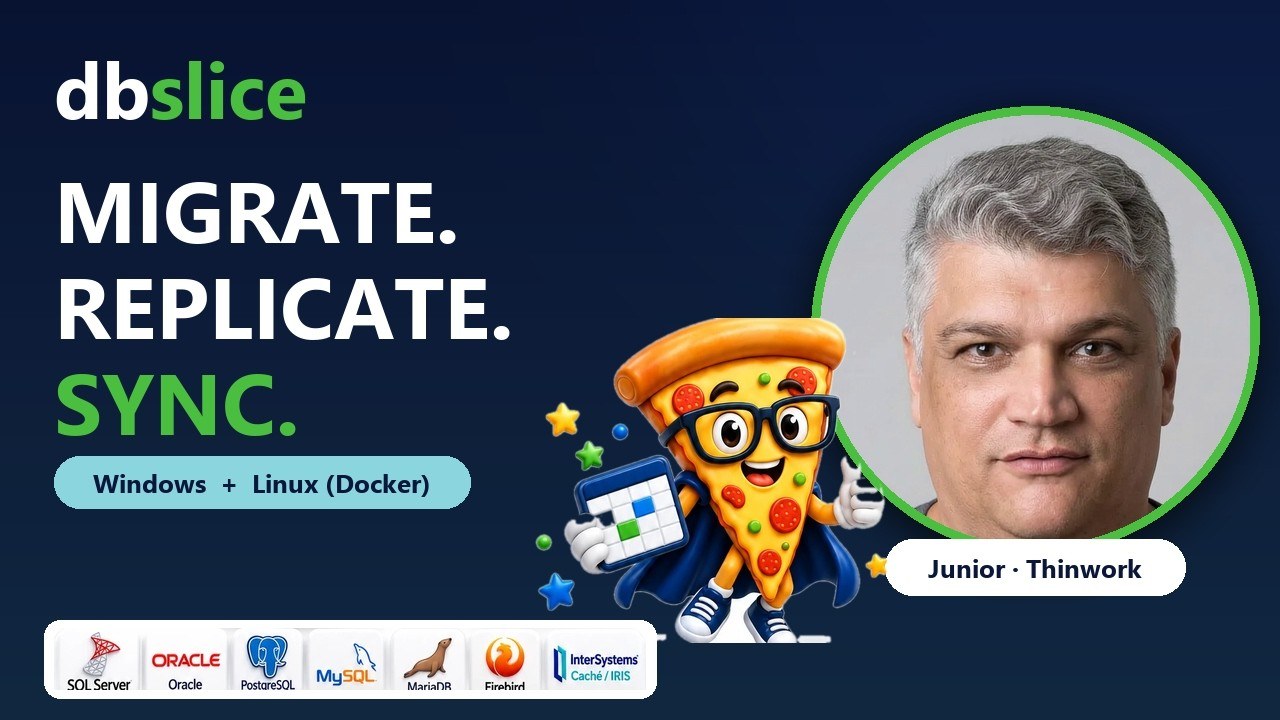
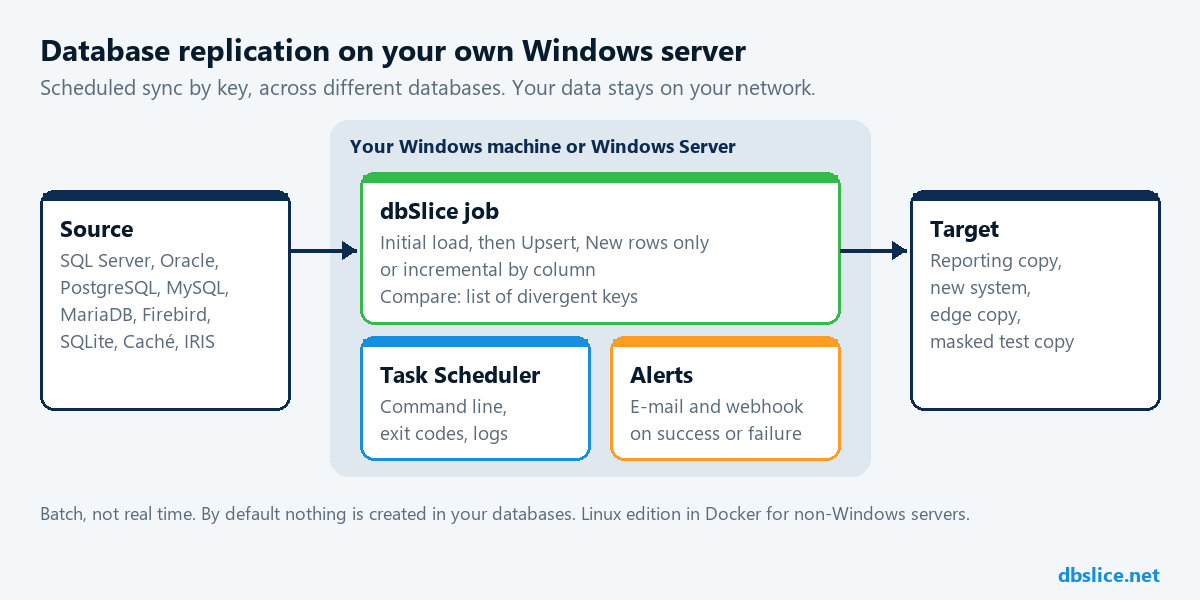
dbSlice is a Windows app (with a command line and a Linux edition) that replicates and syncs data between SQL Server, PostgreSQL, Oracle, MySQL, MariaDB, Firebird, SQLite and InterSystems Caché and IRIS, under one license.
What "replication" means here
There are three common ways to keep two databases close, and they solve different problems:
| Approach | How it works | Good for |
|---|---|---|
| Native replication | The database engine copies changes to another server of the same engine | SQL Server to SQL Server, PostgreSQL to PostgreSQL |
| Log-based CDC | A service reads the transaction log and streams each change | Changes needed on the target within seconds |
| Scheduled sync by key | A job reads the source by key and writes inserts and updates to the target | Copies across different engines, refreshed every hour or every night |
dbSlice does the third: batch replication and sync, on demand or on a schedule. It is not real time, and incremental runs do not see rows deleted at the source; a Compare or a reload covers that before a switch.
Why run it on Windows
- Your data stays on your network. dbSlice runs on your Windows 10 or 11 machine, or on a Windows Server. No database data goes to Thinwork.
- Nothing to install in your databases. By default dbSlice creates nothing there: no triggers, no agents, no extra tables. It reads the source by key in small batches.
- The scheduler you already have. Every run can be saved as a job and started from the command line by the Windows Task Scheduler, with logs, exit codes and e-mail or webhook alerts.
- One license for every pair. SQL Server to PostgreSQL today, Oracle to SQL Server next quarter: the same app and the same license.
- Not on Windows? The Linux edition runs in Docker with a web interface, a built-in scheduler and a job API.
How a replication job works
- First copy: Initial load fills the empty target table.
- Keep it current: Upsert inserts new rows and updates changed ones by key. New rows only adds only the keys the target does not have. Update existing only refreshes rows that are already there.
- Copy only what changed: incremental by column reads only rows with a newer
updated_ator sequence id, with a re-read window for late commits. - Many tables at once: the Replicator runs a set of tables with the same rules and shows the result of each one.
- Prove it: Compare checks source and target key by key and saves the full list of divergent keys, so you re-sync only those rows.
Common replication setups
- Reporting copy: SQL Server production to a PostgreSQL reporting database, refreshed every night. See SQL Server to PostgreSQL sync.
- System replacement: the old and the new system run side by side for months, with the new one fed on a schedule. See data coexistence.
- Read copies at the edge: slices of a central database copied to SQLite, PostgreSQL or MariaDB in branches. See edge read slices.
- Test environments: a production-sized copy with sensitive fields masked in flight, keys and foreign keys preserved. See masked staging copies.
When to choose something else
- You need each change on the target within seconds: use log-based CDC or the engine's native replication.
- Both sides are the same engine and your DBA already runs native replication: keep it.
- You need heavy transformations into an analytical model: an ETL/ELT platform fits better; dbSlice can still move the data before or after that stage.
FAQ
- Is dbSlice real-time replication? No. It runs batch jobs, on demand or on a schedule.
- Does it need agents or triggers on the source? No. By default it creates nothing in your databases.
- Which databases? SQL Server, PostgreSQL, Oracle, MySQL, MariaDB, Firebird, SQLite and InterSystems Caché and IRIS, each as source or target. It also writes to MongoDB, Cassandra, Elasticsearch, Couchbase and Redis.
- Can I try it? Yes. The free version on the Microsoft Store connects, browses, compares and exports to CSV. Writing to a target needs a Desktop or Server license, with a 14-day money-back guarantee. See pricing.
Planning a system replacement and need help designing the coexistence? Thinwork can run the project with you.