A legacy system keeps its support tickets in SQL Server. A reporting copy lives in PostgreSQL. The nightly load stopped two days ago, and it had already dropped a few rows before that. The copy has holes.
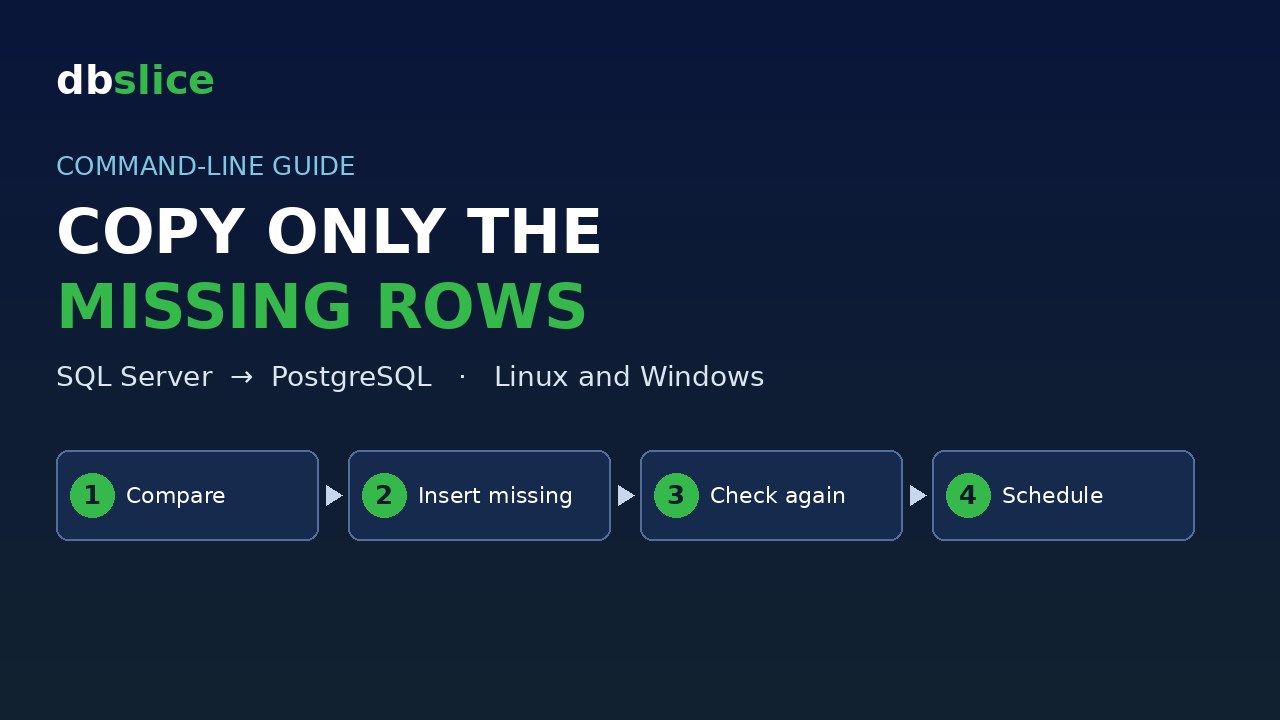
You don't want to reload the whole table. You want to look at the last week, find what PostgreSQL is missing, and insert only that, from a script that can run on a schedule.
This post shows how with dbSlice by Thinwork, on Linux and on Windows. The same two job files run on both. Every command below was run in our lab, and every output is copied from that run.
The sample data
One generic table, support_tickets, with 20,000 made-up tickets (one every 259 seconds). Every value is computed from ticket_id.
- SQL Server (source): all 20,000 rows. Script:
01-sqlserver-source.sql. - PostgreSQL (target): about 19,160 rows. The last two days are missing, and earlier in the week some tickets (ids ending in 3) were lost. Script:
02-postgres-target.sql.
All the files are in one download: copy-missing-rows-sqlserver-postgresql.zip. It has the two SQL scripts, the two job files and a ready-made script for Linux (run-linux.sh) and for Windows (run-windows.ps1).
The two job files
A job is a small JSON file: source, target, key and what to do. It never holds a password. It points to connection profiles you saved in dbSlice (MASTER and Server-dbPostg here; use your own names).
support-tickets-check.json compares and only reads:
{
  "nome": "support-tickets-check",
  "tipo": "status",
  "origem": {
    "environment": "article",
    "db": "MASTER",
    "type": "TABLE",
    "object": "support_tickets",
    "key": "ticket_id",
    "where": "opened_at >= DATEADD(day, -7, CAST(GETDATE() AS date))"
  },
  "destino": {
    "environment": "article",
    "db": "Server-dbPostg",
    "type": "TABLE",
    "object": "support_tickets",
    "key": "ticket_id"
  },
  "pageSize": 10000
}
support-tickets-load.json is the same file with "tipo": "insert" and the name support-tickets-load. It inserts the rows whose key is missing in the target. It never updates or deletes.
The where limits what is read from the source to the last 7 days, and it is written in the source's SQL (SQL Server here).
You can also build both jobs on screen and save them. The screen, the command line and the API run the same file.
Run it in three steps
On Linux, dbSlice runs as a Docker container. Put the two job files in the jobs/ folder of its data volume. Save the two profiles in dbSlice on Windows.
Each step shows three ways to run it. Use the jobs API for remote pipelines (CI, n8n, another server): it needs a token (API tab, scopes jobs:run and runs:read) and answers with a runId. Use docker run for cron on the Docker host: it needs no token, waits, prints the log and ends with an exit code. On Windows, use the CLI, and Task Scheduler to schedule it.
Step 1. Compare (read only)
Linux — jobs API (curl)
URL=http://127.0.0.1:8098
TOKEN="$(cat ./token)"   # dbs_xxxxxxxx_...
curl -sS -X POST "$URL/api/v1/jobs/support-tickets-check/run" \
  -H "Authorization: Bearer $TOKEN" -H "Content-Type: application/json" \
  -d '{"runLabel":"last-week"}'
The answer is 202 with a runId. Ask for the run until status is no longer queued or running, then read the log:
curl -sS -H "Authorization: Bearer $TOKEN" "$URL/api/v1/runs/<runId>"
curl -sS -H "Authorization: Bearer $TOKEN" "$URL/api/v1/runs/<runId>/log"
The token is read from a file so it never shows up in the shell history. run-linux.sh, next to this article, does the full loop.
Linux — docker run
docker run --rm --network dbslice-web_default \
  -v /docker/data/dbslice-web:/data -v /docker/data/dbslice-web-logs:/logs \
  dbslice-web --run support-tickets-check
--network is only needed when the databases are reached by container name. If the container is already up, this is shorter:
docker exec dbslice-web dotnet DBSlice.UiWeb.dll --run support-tickets-checkBoth run the job exactly as the screen and the API do. Each run also writes its log to /logs. You can run them while the web container is up.
Windows — dbSlice.exe
dbSlice.exe support-tickets-check.json check.logThe CLI prints the result and writes the log to the file you name. It exits with 0 on success and non-zero otherwise.
Linux output (docker exec … --run support-tickets-check):
[05:29:45] INFO  impact: read-only, nothing is written to a database
[05:29:46] INFO  OK  Comparison completed in 1.3s: 1,570 matched, 842 missing in destination, 17,588 missing in source. 0 with different column values.
[05:29:46] OK    Status OK | MASTER -> Server-dbPostg | 2,412 Rows | 1.4s
log: /logs/20261118-052945-job-support-tickets-check-f87239f8.log
exit code: 3
Exit code 3: rows are missing.
The exit code tells cron what happened:
| Code | Meaning |
|---|---|
0 | OK. For a compare: nothing missing, nothing different |
1 | The job failed |
2 | Wrong arguments, unknown job, or blocked by the license |
3 | The compare found missing or different rows |
Step 2. Insert only the missing rows
Linux — jobs API (curl)
Call the same endpoint with support-tickets-load:
curl -sS -X POST "$URL/api/v1/jobs/support-tickets-load/run" \
  -H "Authorization: Bearer $TOKEN" -H "Content-Type: application/json" \
  -d '{"runLabel":"last-week"}'
Linux — docker run
docker run --rm --network dbslice-web_default \
  -v /docker/data/dbslice-web:/data -v /docker/data/dbslice-web-logs:/logs \
  dbslice-web --run support-tickets-load
Windows — dbSlice.exe
dbSlice.exe support-tickets-load.json load.logLinux output (docker run … --run support-tickets-load):
[05:29:47] INFO  impact: writes to the target (INSERT only)
[05:29:49] INFO  OK  Done: 2,412 read, 842 inserted, 0 upsert/update in 1.5s  ·  read 0.1s / transform 0.1s / write 0.4s
exit code: 0
Step 3. Compare again
Linux — jobs API (curl)
curl -sS -X POST "$URL/api/v1/jobs/support-tickets-check/run" \
  -H "Authorization: Bearer $TOKEN" -H "Content-Type: application/json" \
  -d '{"runLabel":"last-week"}'
Linux — docker run
docker run --rm --network dbslice-web_default \
  -v /docker/data/dbslice-web:/data -v /docker/data/dbslice-web-logs:/logs \
  dbslice-web --run support-tickets-check
Windows — dbSlice.exe
dbSlice.exe support-tickets-check.json check.logLinux output:
[05:29:52] INFO  OK  Comparison completed in 1.3s: 2,412 matched, 0 missing in destination, 17,588 missing in source. 0 with different column values.
exit code: 0
Windows output, compare and insert:
OK  Comparison completed in 5.4s: 1,561 matched, 841 missing in destination, 17,598 missing in source. 0 with different column values.
OK  Done: 2,402 read, 841 inserted, 0 upsert/update in 0.7s
Windows found 841 and Linux 842 because the runs happened at different times of day, and the 7-day window moves with the clock.
Why "missing in source" is so large
About 17,600 keys show up as "missing in source". That is expected. The where only filters the source, so the source side holds just the last 7 days, while PostgreSQL also holds the older history. The number to watch is missing in destination. The exit code follows the same rule: when the job has a where, rows that exist only in the target don't count as a difference.
Safe to run again
After the insert, a second run of each job found 0 missing and inserted 0 rows. PostgreSQL reached 20,000 rows, the same as the source. A run that has nothing to do moves nothing, so you can schedule the insert without creating duplicates. On this data, each run took under 6 seconds.
Schedule it
Linux (cron on the Docker host), every night at 02:00. No wrapper script is needed:
0 2 * * * docker run --rm --network dbslice-web_default -v /docker/data/dbslice-web:/data -v /docker/data/dbslice-web-logs:/logs dbslice-web --run support-tickets-load >> /var/log/support-tickets.log 2>&1To be told about missing rows instead of fixing them, schedule support-tickets-check and alert on exit code 3.
Windows (Task Scheduler): create a task that runs dbSlice.exe support-tickets-load.json load.log. A failed run shows up as a failed task.
The series
This post came first. The series "dbSlice CLI in daily work" continues with four cases:
- Reconcile a Big SQL Server to PostgreSQL Migration from the Command Line
- Catch Up a PostgreSQL Replica After a Network Outage, from the Command Line
- Fix Broken Foreign Keys After Lost Queue Messages, from the Command Line
- Build a Masked QA Database from a Production Sample, from the Command Line
Wrap up
Two small JSON files, one compare and one insert, handle "copy only what is missing". On Linux, run them through the API from anywhere, or with docker run from cron. On Windows, run them with dbSlice.exe. The job never carries a password.
dbSlice is our own product, so weigh this post with that in mind. Try it:
- Windows: dbSlice on the Microsoft Store. See what the Windows app does.
- Linux / Docker edition: a corporate edition, available by contact. Write to contact@dbslice.net. See what the Linux edition does.