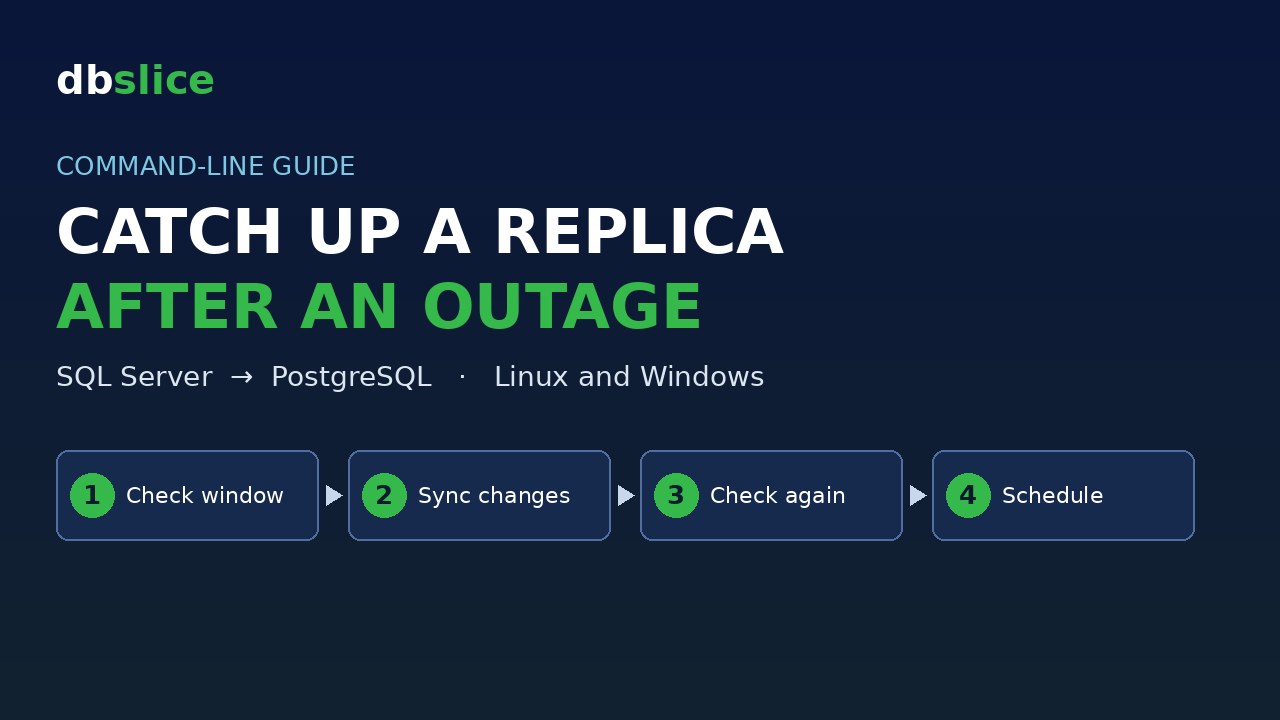
A PostgreSQL replica keeps a copy of a SQL Server table. A job runs every few minutes and copies only what changed. Then the network goes down. When it comes back, the replica is hours behind.
You want three things. Copy only what changed during the outage, not the whole table. Prove the replica is back in sync. And do both from a script, so they run in cron or CI.
This post shows how, on Linux and on Windows, with dbSlice by Thinwork. The same two job files run on both. Every output below comes from a real run in a lab.
The sample data
The example uses a generic table, payments, with no real data. Each value is computed from payment_id. The table has an updated_at column that changes every time a row changes.
- Before the outage, both sides hold the same 40,000 payments. See
01-baseline.sql(SQL Server) and02-baseline-postgres.sql(PostgreSQL). - Then the replica is cut off for about 6 hours. During that time the source keeps working. See
03-outage-source.sql: - 2,160 new payments arrive (one every 10 seconds).
- 400 older payments go from
pendingtosettled, and theirupdated_atmoves forward.
All the files are in one download: replica-catch-up-after-network-outage.zip. It has the three SQL scripts, the two job files and a ready-made script for Linux (run-linux.sh) and for Windows (run-windows.ps1).
Row counts in the lab, right after the outage:
SQL Server total / last 8 h: 42160 / 2668 PostgreSQL total / last 8 h: 40000 / 120The two job files
A job is a small JSON file. It holds the source, the target, the key and the mode. It never holds a password: it only names a connection profile you saved in dbSlice.
MASTER and Server-dbPostg are the profile names in our lab. Replace them with the names of your own profiles.
The first job, replica-payments-sync.json, keeps the replica up to date:
{
  "nome": "replica-payments-sync",
  "tipo": "sync",
  "mode": "Upsert",
  "origem": {
    "environment": "article",
    "db": "MASTER",
    "type": "TABLE",
    "object": "payments",
    "key": "payment_id",
    "watermark": "updated_at"
  },
  "destino": {
    "environment": "article",
    "db": "Server-dbPostg",
    "type": "TABLE",
    "object": "payments",
    "key": "payment_id"
  },
  "pageSize": 10000
}
Upsert inserts the rows whose key is missing in the target and updates the rows that already exist. It never deletes.
"watermark": "updated_at" makes the job incremental. Before it reads, dbSlice takes the highest updated_at on the source and saves it as the mark. The next run reads only rows with updated_at >= mark. The comparison is inclusive on purpose: a row written in the same second as the mark is not lost.
The second job, replica-payments-check.json, compares and only reads. It looks only at the last 8 hours of the source:
{
  "nome": "replica-payments-check",
  "tipo": "status",
  "origem": {
    ...
    "key": "payment_id",
    "where": "updated_at >= DATEADD(hour, -8, GETDATE())"
  },
  "destino": { ... },
  "pageSize": 10000
}
The where is written in the source's dialect (SQL Server here). Pick a window a bit larger than the outage.
You can also set up the sync or the comparison on screen, save it, and point a job at the saved file.
Run it: Linux and Windows
| Linux (Docker edition, jobs API) | Windows (CLI) |
|---|---|
Needs curl and jq. Create an API token in the API tab of the web edition. Scopes: jobs:run and runs:read. Pick the jobs it may run and an expiry. Save it to a file. Copy the two job files into the jobs/ folder of the instance's data volume. The API runs a job by its name. | Save the two profiles in dbSlice. Nothing else to set up. |
The token goes only in the Authorization: Bearer header. | The job takes no token and no password. |
Linux:
URL=http://127.0.0.1:8098
TOKEN="$(cat ./token)"   # dbs_xxxxxxxx_...
curl -sS -X POST "$URL/api/v1/jobs/replica-payments-sync/run" \
  -H "Authorization: Bearer $TOKEN" -H "Content-Type: application/json" \
  -d '{"runLabel": "after-outage"}'
The API answers with a runId. Poll GET /api/v1/runs/<runId> until status leaves queued and running, then read GET /api/v1/runs/<runId>/log. run-linux.sh does this for each step.
Windows:
dbSlice.exe replica-payments-sync.json sync.logThe CLI prints the result and writes the log to the file you passed.
On both systems the exit code tells you if the run worked. On Windows it is 0 on success and non-zero otherwise. On Linux, make the script exit non-zero when the run did not end as succeeded. That is all cron or CI need to notice a failed run.
Before the outage: the first run
The sync job had already run once while both sides were in sync. With no saved mark, the first run reads the whole table:
OK Done: 40,000 read, 0 inserted, 40,000 upsert/update in 1.8s · read 0.2s / transform 0.0s / write 1.3sNothing was missing, so 0 inserted. What matters is that the run saved the mark: the last updated_at the replica received.
After the outage: check the window
Windows output, trimmed:
OK  Comparison completed in 0.5s: 108 matched, 2,160 missing in destination, 39,492 missing in source. 400 with different column values.
  Missing in destination (2,160): 40001, 40002, 40003, ...
  36011: status [settled ≠ pending], updated_at [2026-11-18T03:34:12 ≠ 2026-11-15T04:54:31]
  36020: status [settled ≠ pending], updated_at [2026-11-18T03:34:21 ≠ 2026-11-15T05:03:31]
  ...
  equal                 : 108
  missing on target     : 2,160
  missing on source     : 39,492
  mismatched            : 400
Read it in four groups:
- 2,160 missing in destination: the new payments that arrived during the outage.
- 400 with different column values: the payments that settled. The source value comes first: the source says
settled, the replica still sayspending. - 108 matched: older payments that fall inside the 8-hour window and did not change.
- 39,492 missing in source: this is not a problem. The
wherefilters only the source. The replica still holds its full history, and every row older than 8 hours shows up here. 40,000 rows in the replica, minus the 508 that are in the window (108 + 400), gives 39,492.
So the numbers to watch are missing on target and mismatched.
The Linux run returns the same result. The lab instance runs in Portuguese, so its log is in Portuguese: 108 iguais, 2.160 faltando no destino, 39.492 faltando na origem. 400 com valores divergentes.
Catch up: run the same sync job
No special recovery job. You run the same sync job that runs every few minutes:
target: Server-dbPostg [PostgreSQL]  ·  payments  ·  mode: Upsert
impact: writes to the target (INSERT + UPDATE)
Page 1: 2,561/2,561 processed
OK  Done: 2,561 read, 2,160 inserted, 401 upsert/update in 0.6s  ·  read 0.1s / transform 0.0s / write 0.2s
It read 2,561 rows, not 42,160. Only what changed since the saved mark:
- 2,160 new payments, inserted.
- 400 settled payments, updated.
- 1 row whose
updated_atis exactly the mark. The condition is>=, so that row is read again. Writing it again changes nothing.
2,160 + 400 + 1 = 2,561. Linux gave the same counts: 2,561 read, 2,160 inserted, 401 upsert/update.
The outage lasted 6 hours, but the job did not care about the clock. It started from the mark it had saved, so a longer outage only means more rows in this run.
The proof: check again
OK  Comparison completed in 0.5s: 2,668 matched, 0 missing in destination, 39,492 missing in source. 0 with different column values.
  equal                 : 2,668
  missing on target     : 0
  missing on source     : 39,492
  mismatched            : 0
Missing on target and mismatched are 0. The 39,492 outside the window are still there, for the same reason as before.
Row counts in the lab after the run:
SQL Server total / last 8 h: 42160 / 2668 PostgreSQL total / last 8 h: 42160 / 2668The check is what proves the replica caught up. Do not rely on the sync job's own counters for that.
Running the sync again
We ran the sync job one more time:
Page 1: 1/1 processed
OK  Done: 1 read, 0 inserted, 1 upsert/update in 0.4s  ·  read 0.0s / transform 0.0s / write 0.0s
Nothing new to copy. The single row is again the one exactly at the mark. This is the normal steady state of an incremental job: each run reads only what changed since the last one.
What the watermark does not do
Be honest about the limits before you rely on it:
- It does not see deletions. A row deleted on the source is not read, because it no longer exists. It stays in the replica. A check with the
whereshows it as missing on source only if it falls inside the window, mixed with the history. To find deletions, run a check of the whole table, withoutwhere: then every "missing on source" is a row that is gone from the source. - Rows that change during a run. The mark is the highest
updated_atread before the run starts reading. A row changed while the run is reading gets a newerupdated_at, so the next run picks it up. - Clocks and long transactions. If
updated_atis set by different clocks, or a long transaction commits with an older timestamp, a row can land just below the mark."watermarkLookbackMinutes"on the source side makes each run reread a margin before the mark. The trade-off: every run, including a quiet one, rereads that margin, so a second run no longer reads just 1 row.
Schedule it
Linux (cron), every 5 minutes. Save the steps in a script that exits non-zero on failure:
*/5 * * * * /opt/jobs/replica-sync.sh >> /var/log/replica-sync.log 2>&1Windows (Task Scheduler): create a task that runs dbSlice.exe replica-payments-sync.json sync.log on a repeating trigger. Task Scheduler reads the exit code, so a failed run shows up as a failed task.
A night check of the window (replica-payments-check.json) tells you whether the replica is really in sync.
The series
"dbSlice CLI in daily work", four cases from the command line:
- Reconcile a Big SQL Server to PostgreSQL Migration from the Command Line
- Catch Up a PostgreSQL Replica After a Network Outage, from the Command Line (this post)
- Fix Broken Foreign Keys After Lost Queue Messages, from the Command Line
- Build a Masked QA Database from a Production Sample, from the Command Line
Also from the command line: Copy Only the Missing Rows from SQL Server to PostgreSQL from the Command Line.
Wrap up
One sync job with a watermark keeps the replica up to date and also catches it up after an outage: it starts from the saved mark and copies only what changed. One check job, limited to a window, proves it. Read missing on target and mismatched. "Missing on source" outside the window is history, not an error. They run from a terminal, from cron, from Task Scheduler, or from the API. The job never carries a password.
dbSlice is our own product, so take this with that in mind. Try it:
- Windows: dbSlice on the Microsoft Store. See what the Windows app does.
- Linux / Docker edition: it is a corporate edition, available by contact. Write to contact@dbslice.net. See what the Linux edition does.