A large table was loaded from SQL Server into PostgreSQL. The load is over, but you do not trust it yet. Did it stop early? And the source kept taking writes while the load ran: were those rows copied with their old values?
You want two answers. First, what differs between source and target. Second, a way to fix it without reloading the table. And you want both from a script, so they can run in cron or CI.
This post shows how, on Linux and on Windows, with dbSlice by Thinwork. The same two job files run on both. Every output below comes from a real run.
The sample data
The example uses a generic table, orders: 50,000 rows, no real data. Each value is computed from order_id.
- SQL Server (source): all 50,000 rows. See
01-sqlserver-source.sql. - PostgreSQL (target): 48,800 rows, with the two usual problems after a big load. See
02-postgres-target.sql. - The load stopped early: orders 48,801 to 50,000 never arrived (1,200 rows).
- The source stayed in use during the load: 305 orders changed status and amount after they were copied, so the target holds the old values.
All the files are in one download: migration-reconcile-sqlserver-postgresql.zip. It has the two SQL scripts, the two job files and a ready-made script for Linux (run-linux.sh) and for Windows (run-windows.ps1).
The two job files
A job is a small JSON file. It holds the source, the target, the key and the mode. It never holds a password: it only names a connection profile you saved in dbSlice.
MASTER and Server-dbPostg are the profile names in our lab. Replace them with the names of your own profiles.
The first job, migration-orders-check.json, compares and only reads:
{
  "nome": "migration-orders-check",
  "tipo": "status",
  "origem": {
    "environment": "article",
    "db": "MASTER",
    "type": "TABLE",
    "object": "orders",
    "key": "order_id"
  },
  "destino": {
    "environment": "article",
    "db": "Server-dbPostg",
    "type": "TABLE",
    "object": "orders",
    "key": "order_id"
  },
  "pageSize": 10000
}
The second job, migration-orders-fix.json, has the same source and target. It changes "tipo" to "sync" and adds the mode:
{
  "nome": "migration-orders-fix",
  "tipo": "sync",
  "mode": "Upsert",
  ...
}
Upsert inserts the rows whose key is missing in the target and updates the rows that already exist. It never deletes.
You can also set up the comparison or the sync on screen (Compare data / Synchronize), save it, and point a job at the saved file: the CLI and the API then run exactly what the screen runs.
Run it: Linux and Windows
| Linux (Docker edition, jobs API) | Windows (CLI) |
|---|---|
Needs curl and jq. Create an API token in the API tab of the web edition. Scopes: jobs:run and runs:read. Pick the jobs it may run and an expiry. Save it to a file. Copy the two job files into the jobs/ folder of the instance's data volume. The API runs a job by its name. | Save the two profiles in dbSlice. Nothing else to set up. |
The token goes only in the Authorization: Bearer header. | The job takes no token and no password. |
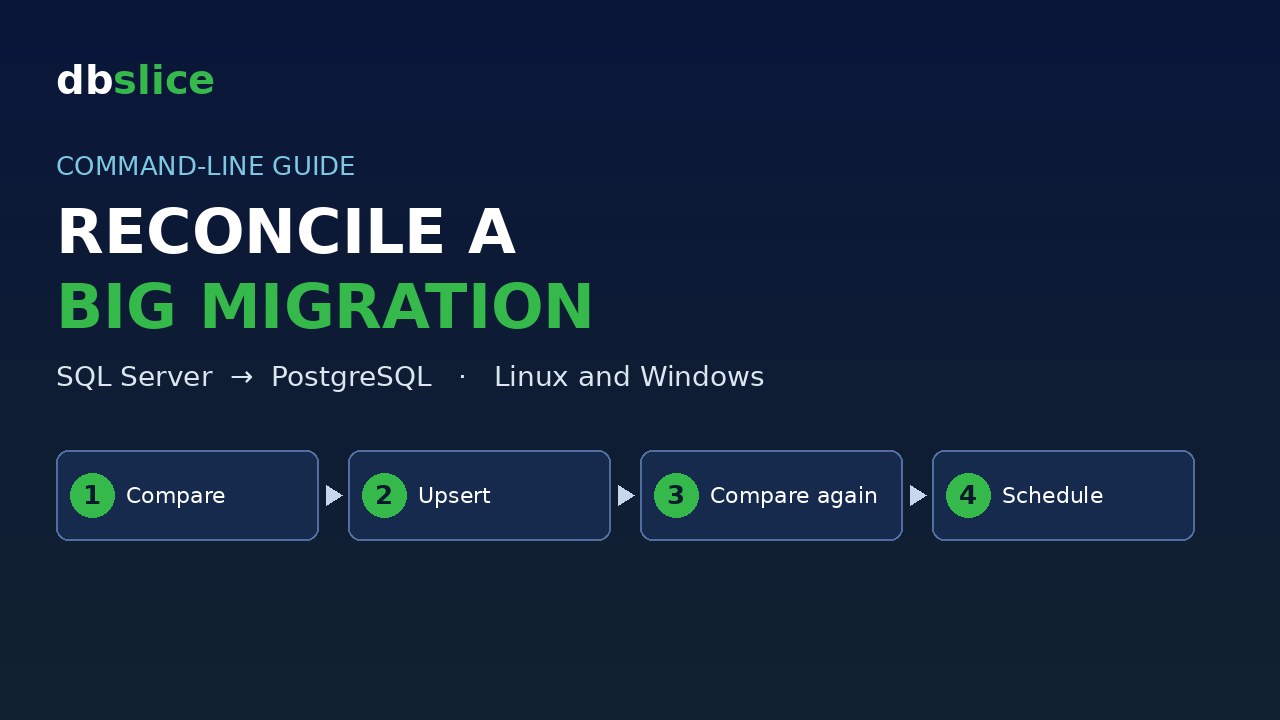
The sequence is: compare, fix, compare again, fix again.
Step 1. Compare (read only)
Linux:
URL=http://127.0.0.1:8098
TOKEN="$(cat ./token)"   # dbs_xxxxxxxx_...
curl -sS -X POST "$URL/api/v1/jobs/migration-orders-check/run" \
  -H "Authorization: Bearer $TOKEN" -H "Content-Type: application/json" \
  -d '{"runLabel": "after-migration"}'
Windows:
dbSlice.exe migration-orders-check.json check.logStep 2. Fix (Upsert)
Linux:
curl -sS -X POST "$URL/api/v1/jobs/migration-orders-fix/run" \
  -H "Authorization: Bearer $TOKEN" -H "Content-Type: application/json" \
  -d '{"runLabel": "after-migration"}'
Windows:
dbSlice.exe migration-orders-fix.json fix.logStep 3. Read the result
Linux: the API answers with a runId. Poll the run until status leaves queued and running, then read the log.
curl -sS -H "Authorization: Bearer $TOKEN" "$URL/api/v1/runs/<runId>"
curl -sS -H "Authorization: Bearer $TOKEN" "$URL/api/v1/runs/<runId>/log"
Windows: the CLI prints the result and writes the log to the file you passed.
On both systems the exit code tells you if the run worked. On Windows it is 0 on success and non-zero otherwise. On Linux, make the script exit non-zero when the run did not end as succeeded. That is all cron or CI need to notice a failed run.
What the first compare says
Windows output:
OK  Comparison completed in 0.9s: 48,495 matched, 1,200 missing in destination, 0 missing in source. 305 with different column values.
  Missing in destination (1,200): 48801, 48802, 48803, ...
  160: amount [69.2 ≠ 64.2], status [shipped ≠ pending]
  480: amount [187.6 ≠ 182.6], status [shipped ≠ pending]
  ...
  equal                 : 48,495
  missing on target     : 1,200
  missing on source     : 0
  mismatched            : 305
Read it as three groups:
- 1,200 missing in destination: the load stopped at 48,800.
- 0 missing in source: nothing exists only in the target.
- 305 with different column values: the log lists each key and the columns that differ, source value first. Here the source says
shippedand the target still sayspending.
The Linux run returns the same result. The lab instance runs in Portuguese, so its log is in Portuguese: 48.495 iguais, 1.200 faltando no destino, 0 faltando na origem. 305 com valores divergentes.
Fix it with one Upsert
Windows output:
target: Server-dbPostg [PostgreSQL]  ·  orders  ·  mode: Upsert
impact: writes to the target (INSERT + UPDATE)
OK  Done: 50,000 read, 1,200 inserted, 48,800 upsert/update in 2.7s  ·  read 0.2s / transform 0.1s / write 2.2s
Linux gives the same counts: 50,000 read, 1,200 inserted, 48,800 upsert/update.
The 1,200 inserted are the rows that never arrived. The 305 stale rows are among the 48,800 that went through upsert/update.
The proof: compare again
OK  Comparison completed in 0.9s: 50,000 matched, 0 missing in destination, 0 missing in source. 0 with different column values.
  equal                 : 50,000
  missing on target     : 0
  missing on source     : 0
  mismatched            : 0
PostgreSQL went from 48,800 to 50,000 rows, and the 305 stale rows went from 305 to 0. The compare is what proves the job is done. Do not rely on the fix job's own counters for that.
Running the fix twice
We ran the fix job a second time:
OK Done: 50,000 read, 0 inserted, 50,000 upsert/update in 2.6s · read 0.1s / transform 0.1s / write 2.1sRead this one honestly. 0 inserted is right: nothing was missing. But 50,000 upsert/update means Upsert wrote every matched row again. It does not skip rows that are already equal. The result is idempotent, because the values written are the same values that were there, so nothing changes. But the work is not zero.
So the proof that the job is finished is the second compare, with 0 / 0 / 0, not a quiet second fix.
For a very large table: limit the window
If the table has hundreds of millions of rows, you do not want to rewrite all of it on every run. Add a where to the source side of the fix job and limit it to what could have changed, for example the period that was in use during the migration:
"origem": {
  "environment": "article",
  "db": "MASTER",
  "type": "TABLE",
  "object": "orders",
  "key": "order_id",
  "where": "ordered_at >= '2025-06-01'"
}
The where is written in the source's dialect (SQL Server here). One thing to know: it filters only the read from the source. If you add the same where to the compare job, rows outside the window still exist in PostgreSQL, so the compare reports them as missing on source. That is not an error. It only means those rows fall outside the window. Look at missing on target and mismatched inside the window. With this where on the same sample data, the compare read 25,841 source rows and reported 24,486 matched, 1,200 missing on target, 155 mismatched and 24,159 missing on source (the PostgreSQL rows from before June 2025).
On Linux you can also send the where in the request body, so one job file serves many windows. The body accepts only where, file, pageSize, confirmProduction and runLabel. Connections and passwords never travel in the body.
Schedule it
Linux (cron), every night at 02:00. Save the four steps in a script that exits non-zero on failure:
0 2 * * * /opt/jobs/reconcile.sh >> /var/log/reconcile.log 2>&1Windows (Task Scheduler): create a task that runs dbSlice.exe migration-orders-fix.json fix.log. Task Scheduler reads the exit code, so a failed run shows up as a failed task.
The series
"dbSlice CLI in daily work", four cases from the command line:
- Reconcile a Big SQL Server to PostgreSQL Migration from the Command Line (this post)
- Catch Up a PostgreSQL Replica After a Network Outage, from the Command Line
- Fix Broken Foreign Keys After Lost Queue Messages, from the Command Line
- Build a Masked QA Database from a Production Sample, from the Command Line
Also from the command line: Copy Only the Missing Rows from SQL Server to PostgreSQL from the Command Line.
Wrap up
Two small JSON files, one compare and one Upsert, cover the "check the migration and complete what is missing" case. The compare shows what is missing and what diverged. The Upsert fixes both. The second compare, with zero everywhere, is the proof. They run from a terminal, from cron, from Task Scheduler, or from the API. The job never carries a password.
If you only need to copy the rows that are missing, with no updates, see Copy only the missing rows from SQL Server to PostgreSQL from the command line.
dbSlice is our own product, so take this with that in mind. Try it:
- Windows: dbSlice on the Microsoft Store. See what the Windows app does.
- Linux / Docker edition: it is a corporate edition, available by contact. Write to contact@dbslice.net. See what the Linux edition does.